WordPress
WordPress management, plugin and theme best practices, updates, performance tuning, and security for WordPress sites.

How a Professional WordPress Migration Service Protects Your SEO During a Host Switch
A host switch can quietly damage your search rankings if it's not handled carefully. Here's how a proper WordPress migration service keeps your SEO in...
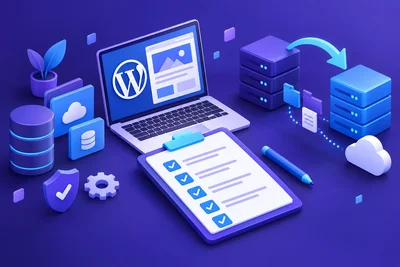
The Pre-Migration Checklist Every WordPress Site Owner Should Complete Before Switching Hosts
Switching WordPress hosts doesn't have to be stressful. Here's the complete pre-migration checklist to back up, test, and verify your site before the...

How to Move Your WordPress Site to Proginter Without Losing Any Content or Settings
A step-by-step guide to migrating your WordPress site safely, covering backups, database transfer, URL fixes, and DNS cutover without losing content o...
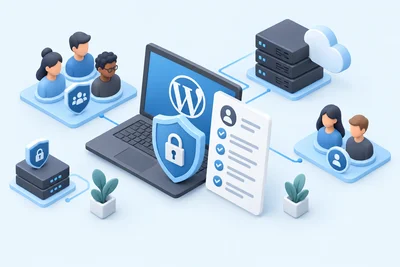
How to Create a Security-Focused WordPress User Policy for Teams and Clients
A practical guide to building a WordPress user policy that keeps teams, freelancers, and clients productive without opening security gaps.
Why Changing Your WordPress Table Prefix Is a Security Step Worth Taking
Changing your WordPress table prefix from the default wp_ removes an easy target for automated SQL injection scripts. Here's how to do it safely and w...
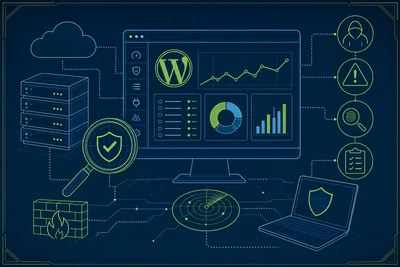
How to Monitor Your WordPress Site for Suspicious Activity Without Becoming a Security Expert
You don't need to be a security expert to catch trouble on your WordPress site early. Here's a realistic, low-effort routine for spotting suspicious a...

WordPress Security Best Practices for Sites That Collect Customer Data
Sites that collect customer data need to go beyond basic WordPress security best practices. Here's a practical, prioritized approach covering encrypti...
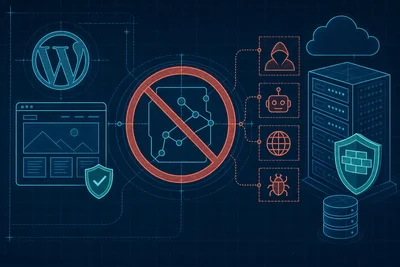
How to Disable XML-RPC on WordPress and Why Most Sites Should Do It Right Now
XML-RPC is an old WordPress file that most sites don't need anymore, and leaving it enabled hands attackers an easy tool for brute force attacks and D...
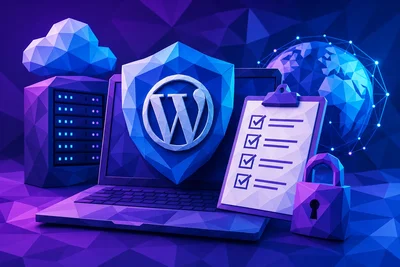
The WordPress Security Checklist Every Site Owner Should Run Through Once a Quarter
A practical, repeatable quarterly checklist covering updates, user accounts, backups, and firewall reviews so your WordPress site stays protected all...

How to Limit Login Attempts on WordPress Without Frustrating Real Users
Learn how to configure WordPress login limits that stop brute force bots cold without locking out real users over an honest typo.

Why WordPress Security Best Practices Start With Your Hosting Environment, Not Your Plugins
Most WordPress security advice focuses on plugins, but real protection starts at the server level. Here's why your hosting environment matters more th...
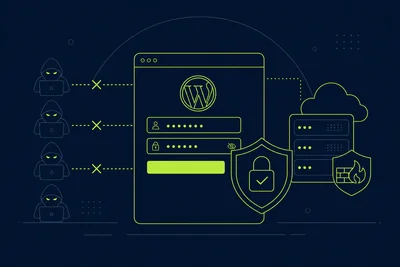
WordPress Login Security: Simple Changes That Stop the Majority of Brute Force Attempts
Most WordPress brute force attacks are automated and lazy. A handful of simple login changes, from a stronger username to two-factor authentication, w...