If you've ever googled "how to secure WordPress," you've probably landed on a list of plugins. Install this firewall plugin. Add that login limiter. Scan for malware weekly. And sure, those tools help. But here's the thing nobody tells you: plugins are patching problems that your hosting environment created in the first place.
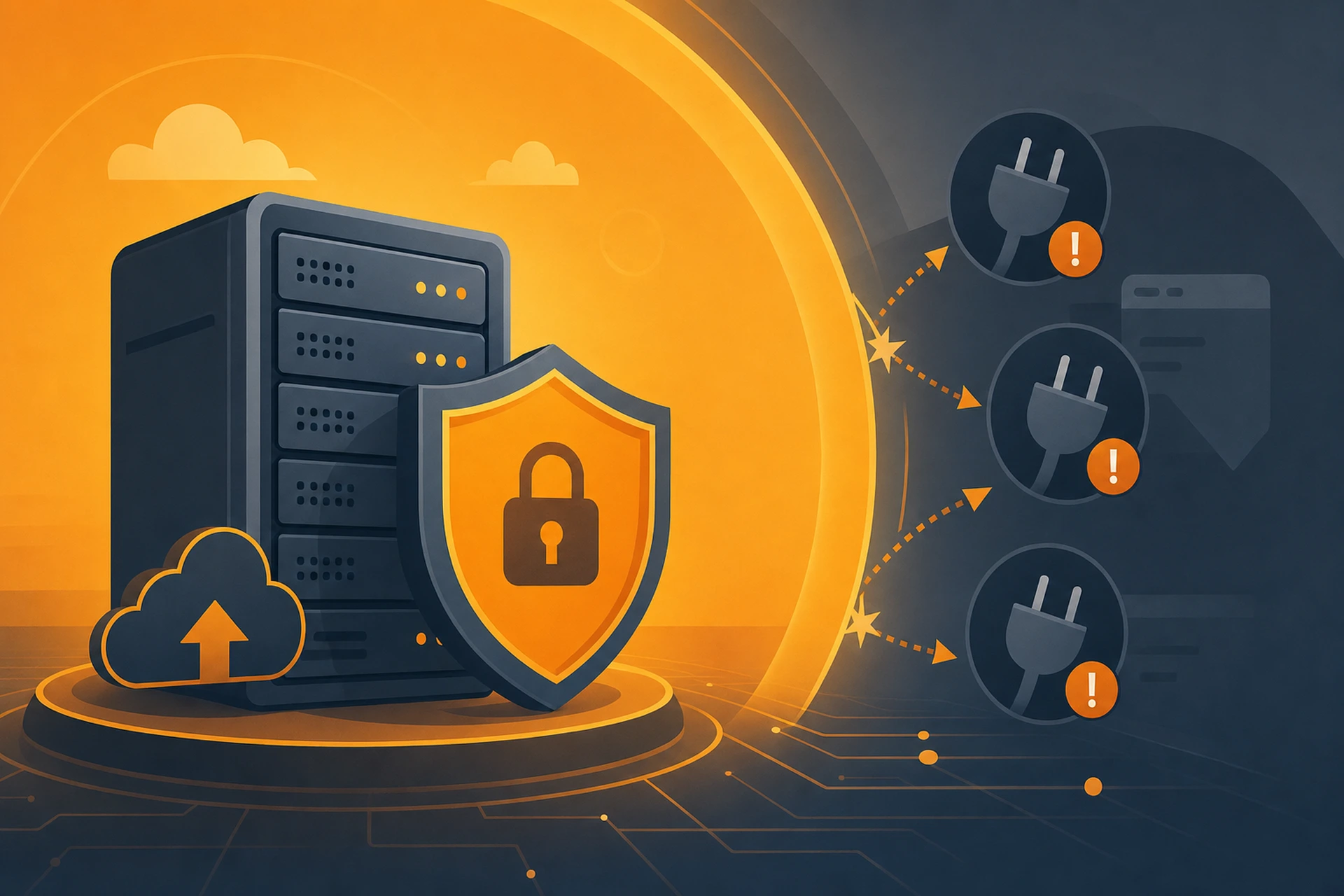
Think about it this way. A plugin runs inside WordPress. If your server is misconfigured, running outdated PHP, or sitting on a shared box with a hundred other sketchy sites, no plugin can fully compensate for that. Real WordPress security best practices start below the application layer, at the server itself.
Where Most WordPress Security Advice Goes Wrong
Most guides treat security like a checklist you complete inside your WordPress dashboard. Install a security plugin, set up two-factor authentication, update your plugins. All good advice, and we've actually covered some of it in How to Set Up Two-Factor Authentication on WordPress in Under Ten Minutes and WordPress Login Security.
But none of that matters much if your server itself is the weak point. A vulnerable PHP version, an exposed database port, or a neighboring site on shared hosting with malware can undo all your careful plugin configuration in minutes.
The Hosting Layer Is the Foundation
Here's a simple way to picture it. Your WordPress site is like a house. Plugins are the locks on your doors. But your hosting environment is the foundation, the walls, and the neighborhood you built the house in. You can have the best lock money can buy, but if the walls are made of cardboard, it doesn't matter much.
Server-level security includes things like:
- Keeping the operating system and PHP version patched and current
- Isolating each website so one compromised site can't infect others
- Filtering malicious traffic before it ever reaches your WordPress install
- Locking down file permissions so attackers can't write to your server even if they find a vulnerability
- Monitoring for unusual activity around the clock
None of these things happen inside a WordPress plugin. They happen at the server level, which is exactly why hosting choice matters so much more than most site owners realize.
WordPress Security Best Practices That Actually Start With Infrastructure
1. Isolation Between Sites
On cheap shared hosting, your WordPress site often shares the same server resources, and sometimes the same file system permissions, as dozens or hundreds of other sites you've never met. If one of them gets compromised, attackers can sometimes hop across to neighboring accounts. This is one of the most overlooked risks in WordPress security, and no plugin fixes it. Proper account isolation happens at the hosting level.
2. Filtering Traffic Before It Reaches WordPress
A lot of attacks never need to log in or exploit a plugin bug. They just flood your server with junk requests, probe for known vulnerabilities, or try to overwhelm your login page with brute force attempts. A web application firewall sitting in front of your server catches most of this before it ever touches your WordPress code. If you want to understand how this works in more detail, our WAF overview breaks it down.
3. Keeping Server Software Current
WordPress plugin updates get all the attention, but outdated PHP versions and server software are just as common an entry point for attackers. A managed environment handles these updates in the background, so you're never running on something with known, published vulnerabilities.
4. Having a Real Recovery Plan
Even with strong WordPress security best practices in place, nothing is bulletproof. What separates a minor incident from a disaster is how fast you can recover. That means having backups that live somewhere separate from the server itself, so if something does go wrong, you can restore a clean version of your site instead of starting from scratch. We run daily backups to a separate server for exactly this reason, which keeps the worst-case recovery window well under 24 hours. You can read more on how backups and restores work.
What This Means for Your Plugin Choices
None of this means plugins are useless. A good security plugin still adds value, especially for things like login attempt logging or file integrity scanning. But you should think of plugins as the second layer of defense, not the first.
If your hosting environment already handles firewall filtering, isolation, and patching, your security plugin has a much smaller job to do. That usually means less overhead on your site too, since heavy security plugins can genuinely slow things down if they're doing work your server should be handling anyway.
A Quick Gut-Check for Your Current Setup
Ask yourself these questions about your current hosting:
- Do I know what PHP version my server is running, and who updates it?
- Is my site isolated from other accounts, or am I on shared hosting with unknown neighbors?
- Is there a firewall filtering traffic before it reaches WordPress?
- If my site got hacked tomorrow, how would I restore it, and how old would that backup be?
If you're not sure about the answers, that's a sign your WordPress security review needs to start with your host, not your plugin folder. We've written more broadly about this in How Website Security Protection Works at the Hosting Level, which is worth a read if you want the fuller picture.
The Takeaway
Plugins matter, but they're the last line of defense, not the first. Real WordPress security best practices start with a hosting environment that isolates your site, filters bad traffic before it arrives, keeps software patched, and gives you a fast path back to normal if something goes wrong. Get that foundation right, and your plugins finally get to do the smaller job they were actually designed for.