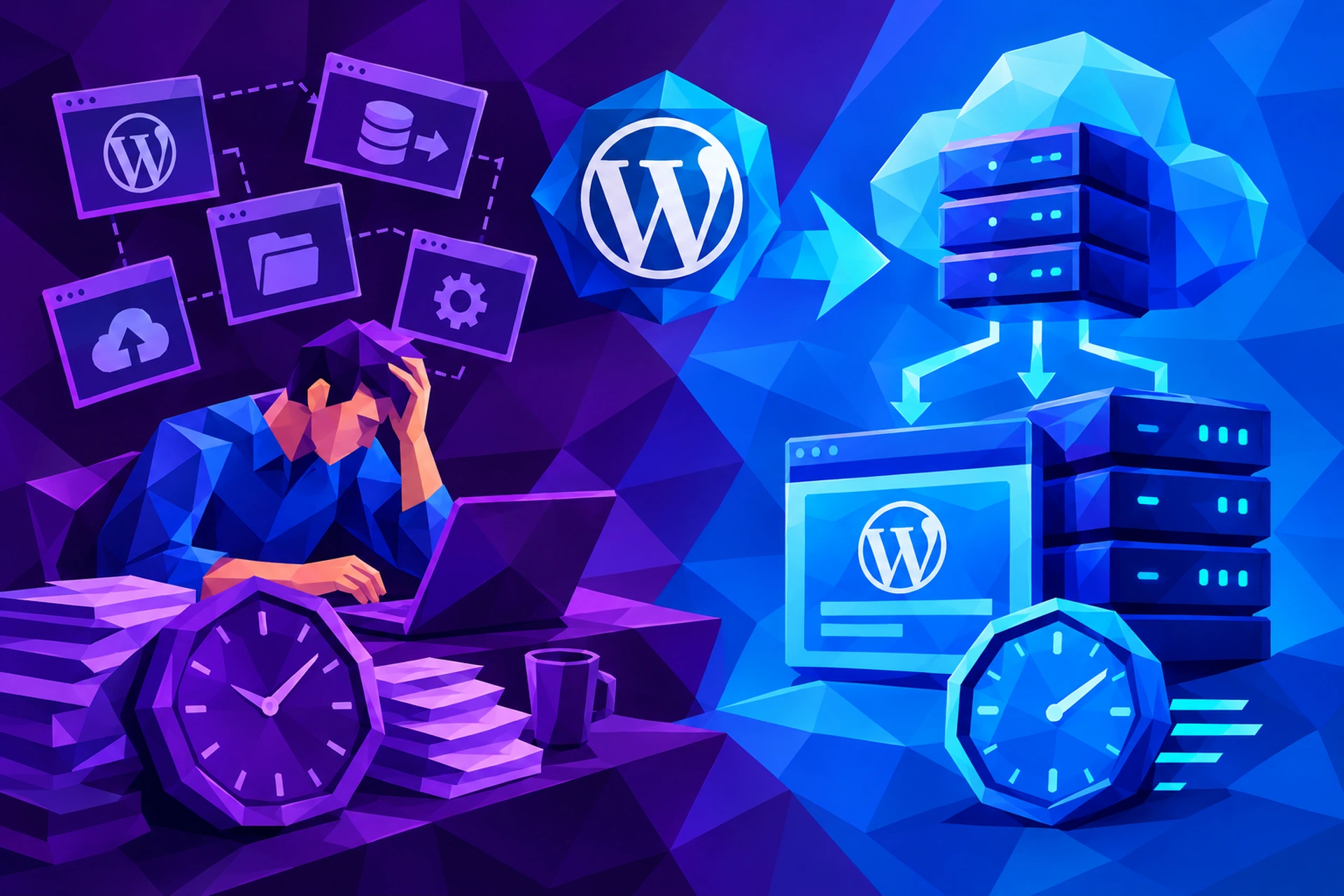
You decide to move your WordPress site to a new host yourself to save a little money. Three weekends later, you're still fixing broken image links, chasing a missing database table, and wondering why your contact form stopped working. Sound familiar?
DIY migrations feel free because there's no line item on an invoice. But the real cost shows up in hours, stress, and sometimes lost traffic. Let's look at where that time actually goes, and why a proper WordPress migration service usually ends up being the cheaper option once you count everything.
What a WordPress Migration Actually Involves
Moving a WordPress site isn't just copying files from one server to another. A full migration touches several layers at once:
- Website files (themes, plugins, uploads, custom code)
- The MySQL database, including every post, setting, and table prefix reference
- DNS records, so your domain points to the right place
- SSL certificates, so visitors don't hit a security warning
- Email routing, if your domain also sends mail
- Server-level configuration like PHP version, caching rules, and redirects
Miss one of these, and you end up with a site that looks fine until someone clicks a link, submits a form, or notices the padlock icon is missing.
Where DIY Migrations Quietly Eat Your Time
Database Headaches
WordPress stores absolute URLs inside the database, not just in your files. If you move from example-old.com to example-new.com, every serialized URL reference needs careful search and replace. Do it with a basic find-and-replace tool and you can corrupt serialized data, breaking widgets, theme settings, and page builder content in ways that aren't obvious right away.
Plugin and Theme Conflicts
Plugins that worked fine on your old server can misbehave on a new one if PHP versions, memory limits, or server modules differ. You won't know until you're troubleshooting a white screen at 11pm, trying to figure out which of your 24 plugins is the culprit. We covered this kind of compatibility problem in more depth in WordPress Migration With Custom Plugins and Themes: What Changes and What Doesn't.
DNS Propagation Confusion
DNS changes don't happen instantly. Depending on your TTL settings, propagation can take anywhere from a few minutes to 48 hours. If you don't plan for this, you risk a window where some visitors see your old site and others see the new one, with different content, different forms, and different data being collected in two places.
Testing Before You Flip the Switch
The safest way to migrate is to fully test the new site before pointing your domain at it. That means editing your local hosts file, checking every page type, testing forms, checking checkout flows if you run WooCommerce, and confirming redirects work. Most DIY migrations skip proper testing because it's tedious, and that's exactly when things break in front of real visitors. We walked through this process step by step in How to Test Your Migrated WordPress Site Before Pointing Your Domain to the New Host.
SEO Risk
A sloppy migration can quietly tank your search rankings. Broken redirects, duplicate content from a leftover staging copy, or a sitemap pointing to the wrong domain can all cost you traffic you won't easily get back. If SEO is a priority, it's worth reading How a Professional WordPress Migration Service Protects Your SEO During a Host Switch before you touch anything.
The Real Cost Comparison
Here's what a typical DIY migration actually costs in hours, based on what we see from site owners who've been through it:
- Planning and backup: 2-4 hours
- File transfer and database export/import: 2-5 hours
- Fixing broken URLs and serialized data: 1-3 hours
- Troubleshooting plugin or theme conflicts: 2-8 hours (this is the wildcard)
- DNS and SSL setup: 1-3 hours
- Testing and fixing issues post-launch: 2-6 hours
Add it up and you're easily looking at 10-25 hours for a mid-sized site, more if something goes wrong. If your time is worth even $30 an hour, that's $300-$750 of your own labor, not counting the stress of downtime or a broken checkout page during the process.
A managed migration service usually takes that whole process off your plate entirely. Before switching hosts, it also helps to run through The Pre-Migration Checklist Every WordPress Site Owner Should Complete Before Switching Hosts so you know exactly what to expect either way.
When DIY Actually Makes Sense
DIY migration isn't always the wrong call. It can make sense if:
- Your site is small and simple, with few plugins and no ecommerce functionality
- You're comfortable with SSH, databases, and server configuration
- You have time to spare and don't mind a learning curve
- Downtime during the move wouldn't hurt your business
For a lot of blogs and personal sites, this is a fine way to learn how WordPress actually works under the hood.
How a Managed Migration Actually Works
When your host handles the move, the process usually looks different in a few key ways. The team takes a full backup before touching anything, so there's a safety net if something unexpected comes up. Files and databases get transferred directly between servers rather than through your home internet connection, which is faster and less error-prone. DNS, SSL, and email routing get checked and configured as part of the move, not left as an afterthought. And the site gets tested on the new server before your domain is pointed to it, so you're not the one discovering problems after launch.
Good backup tools matter a lot here too. Having a reliable point-in-time backup before and during a migration means that even if something does go wrong, you can roll back cleanly instead of trying to reconstruct a broken site from memory. That's one of the quieter reasons managed migrations tend to go smoother than DIY ones. If you want to see what this looks like in practice, we broke it down in What to Expect During a WordPress Migration: A Plain-Language Walkthrough.
The Bottom Line
DIY migration isn't free, it just moves the cost from your wallet to your calendar. For simple sites with time to spare, that trade can make sense. For anything with real traffic, ecommerce functionality, or SEO rankings worth protecting, the hours you'd spend troubleshooting usually add up to more than what a proper migration service would charge. Weigh your time honestly before you decide, and you'll make the right call either way.