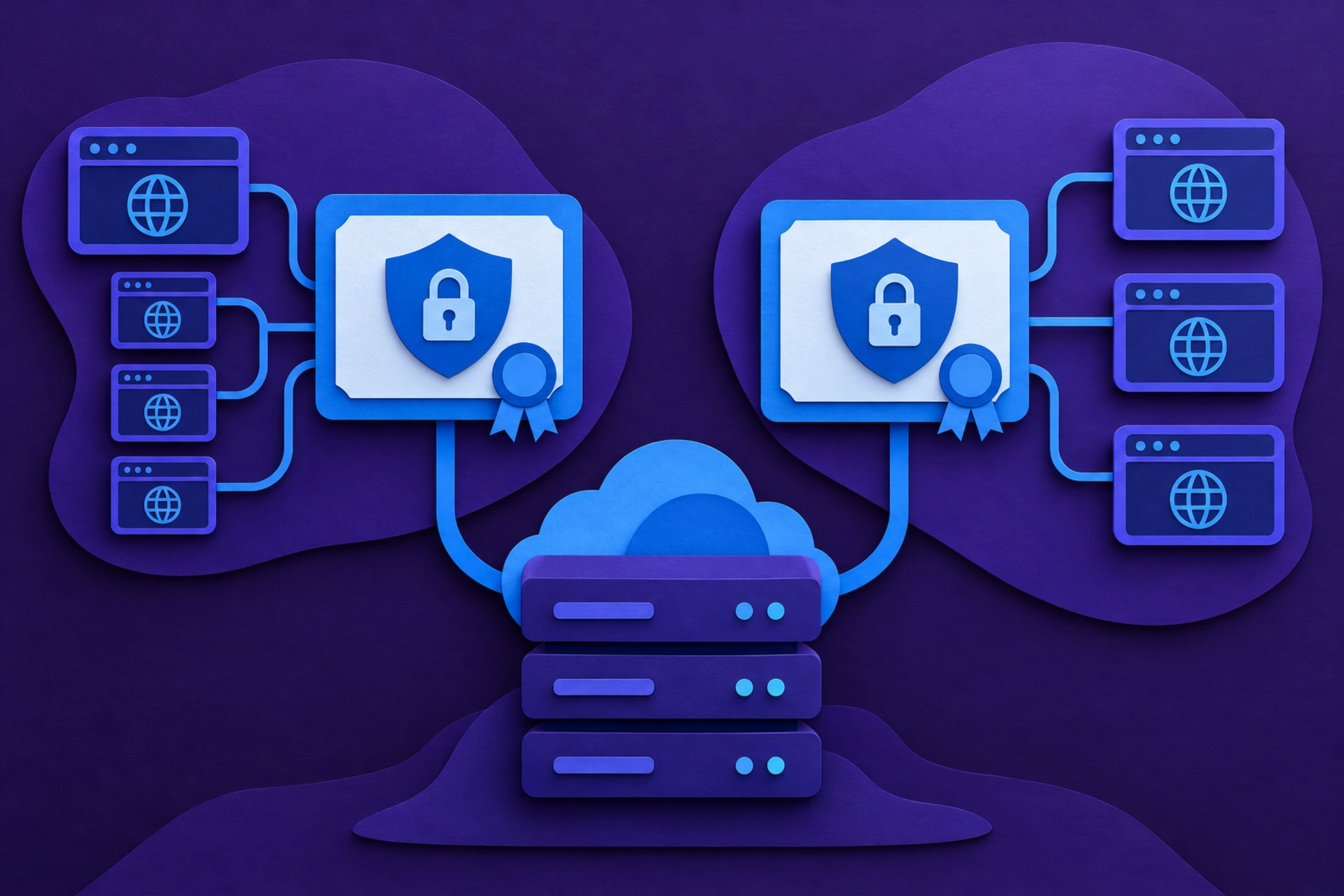
If you manage more than one website, you've probably run into this question: do you buy one certificate per site, or is there a smarter way to cover everything under one roof? Two options usually come up here, wildcard SSL and multi-domain SSL. They solve a similar problem, but they work very differently under the hood, and picking the wrong one can mean paying for coverage you don't need or leaving gaps you didn't expect.
Let's break down what each one actually does, where they shine, and how to decide which fits your hosting setup.
What a Wildcard SSL Certificate Covers
A wildcard certificate secures a domain and all of its first-level subdomains with a single certificate. If you buy a wildcard for *.example.com, it automatically covers blog.example.com, shop.example.com, mail.example.com, and any other subdomain you create later, without needing a new certificate each time.
This makes wildcard certificates a great fit for:
- SaaS platforms that spin up a new subdomain per customer
- Agencies hosting staging environments under subdomains
- Businesses running separate subdomains for blog, support, and app sections
One important limit: a wildcard only covers one level of subdomain depth. *.example.com covers shop.example.com, but not eu.shop.example.com. You'd need a separate multi-level wildcard or additional certificate for that.
Wildcard Doesn't Cover Root-to-Root Domains
Another thing people miss: a wildcard for *.example.com does not automatically secure example.com itself. Most certificate authorities bundle the root domain in by default now, but it's worth double-checking, especially if you're configuring things manually rather than through managed SSL certificate hosting.
What a Multi-Domain SSL Certificate Covers
A multi-domain certificate, sometimes called a SAN certificate (Subject Alternative Name), lets you secure a list of completely different, unrelated domains under one certificate. Think example.com, example.net, and mycompanysite.org, all protected by a single issued certificate.
This fits a different kind of use case:
- Agencies managing several small client domains on shared infrastructure
- Businesses that own multiple brand domains pointing to the same backend
- Companies consolidating a handful of marketing sites under one hosting account
Most multi-domain certificates support anywhere from a handful up to 100+ domains, depending on the certificate authority. But each domain has to be added explicitly. Unlike a wildcard, there's no automatic coverage for anything new you spin up later. Add a domain, request a reissue.
Wildcard SSL vs Multi-Domain SSL: The Core Difference
Here's the simplest way to think about it:
- Wildcard = one domain, unlimited subdomains, automatic future coverage
- Multi-domain = many separate domains, manually listed, no automatic coverage for new ones
If your growth pattern is "more subdomains under the same brand," wildcard wins. If your pattern is "more separate domains that happen to share hosting," multi-domain wins. Some setups genuinely need both, and there's no rule against running a wildcard for your main domain's subdomains alongside a separate certificate for an unrelated client domain.
Validation Levels Still Apply
Don't forget that both wildcard and multi-domain certificates still come in Domain Validated, Organization Validated, or Extended Validation flavors. The wildcard-versus-multi-domain decision is about coverage scope, not trust level. If you're unsure which validation level your site actually needs, it's worth reading up separately on how DV, OV, and EV certificates differ, since that choice layers on top of whichever coverage type you pick.
Renewal and Management Overhead
This is where a lot of site owners get burned, regardless of which type they choose. A wildcard certificate that silently expires takes down every subdomain under it at once, which is a much bigger blast radius than a single domain certificate failing. A multi-domain certificate has the opposite risk: adding one new domain to the list means a full reissue, and if that process isn't automated, it's easy to forget a step and leave a domain unprotected.
This is exactly why automatic renewal matters so much more as your certificate covers more ground. A managed host that handles certificate issuance and renewal in the background removes this risk entirely. We handle SSL issuance and renewal automatically on every server we manage, so whether you're running a wildcard across a dozen subdomains or a multi-domain certificate across several client sites, nobody has to remember a renewal date.
Which One Should You Actually Pick?
Ask yourself these questions:
- Will I be creating new subdomains under one brand regularly? Go wildcard.
- Do I manage a fixed, known list of separate domains? Go multi-domain.
- Am I running both patterns at once? Consider using both certificate types for the parts of your infrastructure where they fit best.
- Do I need the certificate type to also simplify renewal management? Either way, push for automation rather than manual tracking.
For agencies managing client sites, multi-domain certificates can genuinely simplify billing and management, as long as the list of domains doesn't change too often. For SaaS products and platforms with dynamic subdomains, wildcard is almost always the right call because it removes the need to request new certificates every time a customer signs up.
The Bottom Line
Wildcard and multi-domain certificates solve different problems dressed up as the same question. Wildcard is about depth under one domain. Multi-domain is about breadth across separate domains. Match the certificate to your actual growth pattern, make sure renewal is automated no matter which you pick, and you'll avoid the awkward moment of a browser warning showing up on a site you forgot was even tied to that certificate.
If you're still deciding on certificate type in general, it helps to start with how to choose the right SSL certificate type for your hosting environment, and if renewal failures are a worry, it's worth reading about how SSL certificate renewal failures silently destroy trust and traffic.