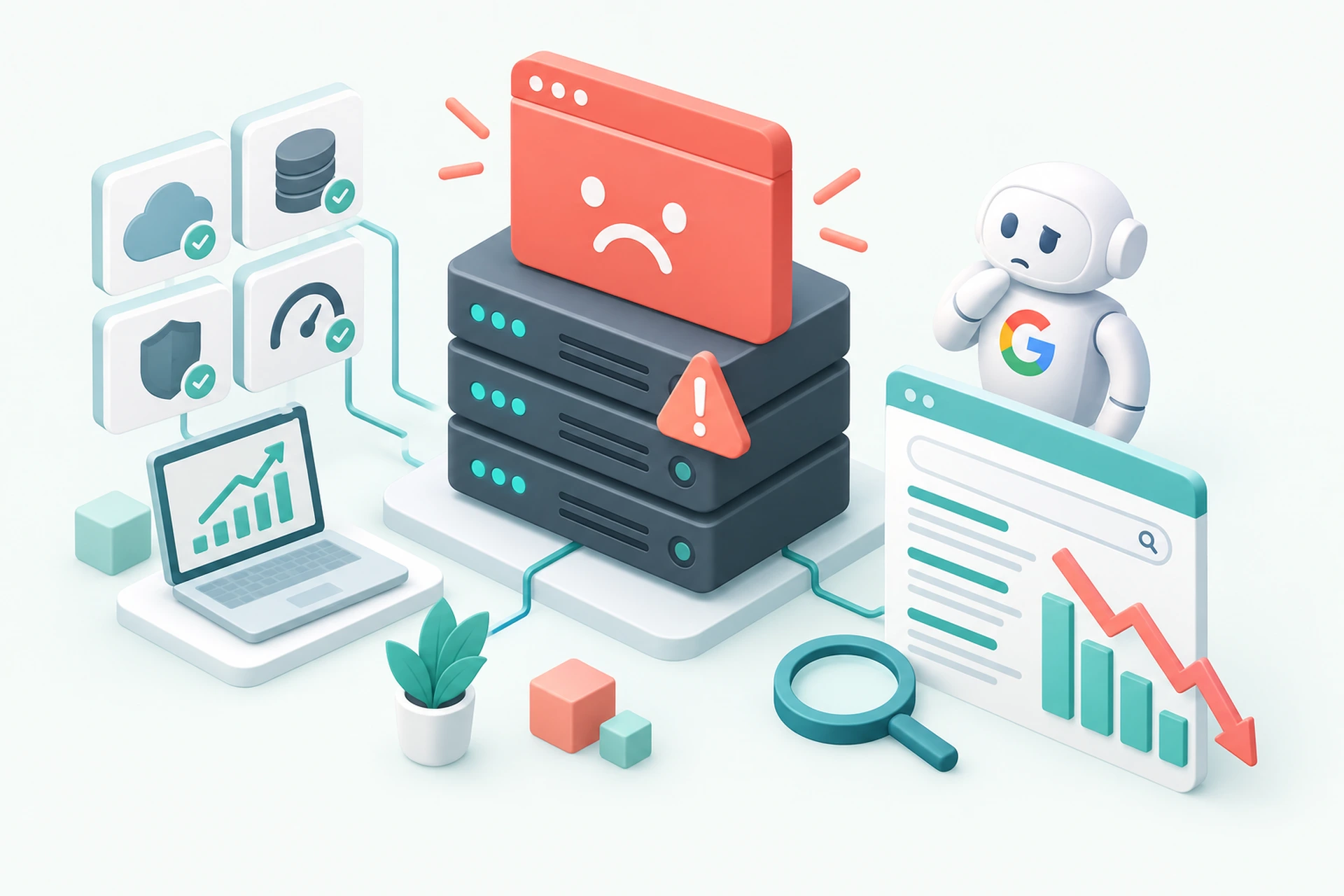
Most site owners panic about slow page speed or a missing meta tag. Meanwhile, a far bigger threat sits quietly in their server logs: the 503 Service Unavailable error. It looks like a minor hiccup. To Google, it's a signal that something is seriously wrong with your site, and if it keeps happening, the consequences for your rankings can be worse than almost any other technical issue you could fix.
What a 503 Error Actually Tells Google
A 503 means your server exists and responded, but it couldn't handle the request right now. That's different from a 404 (page doesn't exist) or a 500 (something broke in your code). A 503 says "I'm here, but I'm overwhelmed, down for maintenance, or out of resources."
Googlebot treats this status code as a strong, explicit signal. Unlike slow load times, which Google infers and weighs gradually, a 503 is a direct instruction. Googlebot is actually designed to respect it, if you use it correctly during planned maintenance, it will back off and try again later without penalizing you. The problem is what happens when 503s show up unexpectedly and repeatedly, with no clear end in sight.
Website Uptime for SEO: Why Consistency Beats Everything
This is where website uptime for SEO becomes a real conversation instead of an abstract concern. Search engines want to send users to pages that reliably load. When Googlebot hits repeated 503s on a URL, it starts to interpret that as a pattern, not an accident. After enough failed attempts, Google can actually remove the page from its index. Not demote it. Remove it.
That's a different category of damage than a slow TTFB or an unoptimized image. Those issues cost you rankings. Chronic 503 errors can cost you your presence in search results entirely, and getting re-indexed afterward takes real time, sometimes weeks.
Why 503s Are Worse Than Other Common Technical Issues
Compare a 503 to some other typical problems:
- Slow page speed: Google ranks you lower, but the page stays indexed and users can still reach it.
- Broken internal links: Annoying, hurts crawl efficiency, but isolated to specific paths.
- Missing alt text or weak meta descriptions: Minor ranking factors, easy to fix, rarely catastrophic.
- Repeated 503 errors: Can trigger de-indexing of the exact page Googlebot tried to crawl, and erodes crawl budget allocated to your whole site.
That last point matters more than people realize. If Googlebot keeps hitting failures on your site, it adjusts its crawl rate downward to avoid stressing your server further. Fewer crawls mean slower discovery of new content, slower re-indexing of updates, and a general cooling of how often Google checks in on you. We covered the crawl side of this in What Crawl Budget Has to Do With Your Hosting, and the pattern with 503s is a direct extension of that problem.
The Compounding Effect on Rankings
A single 503 during a traffic spike or a deploy isn't going to tank your site. The real damage comes from frequency and duration. If your server returns 503s for ten minutes every few days under moderate load, that's not a one-off incident anymore, that's a pattern Google can detect across repeated crawl attempts.
Each time this happens, you're not just losing that one crawl. You're reinforcing a signal that your hosting environment is unreliable. Over months, this shows up as slower indexing of new pages, more conservative crawling overall, and in severe cases, pages quietly dropping out of search results with no warning email or manual action notice.
Common Causes of Recurring 503 Errors
Before you can fix the SEO damage, you need to understand why the errors keep happening:
- Server resource exhaustion: Your VPS runs out of memory or CPU during traffic spikes, and the web server starts rejecting requests.
- Database connection limits: Too many simultaneous queries overwhelm MySQL or PostgreSQL, and pages time out waiting for data.
- Bad plugin or theme code: A poorly written WordPress plugin can spike memory usage and trigger 503s under load that wouldn't otherwise be a problem.
- Bot traffic and scraping: Aggressive crawlers hammering your site can exhaust the same resources real visitors need.
- Misconfigured maintenance mode: Left on too long, or returning the wrong status code when it shouldn't be active at all.
If bot traffic is part of your problem, a web application firewall can filter out the junk requests before they ever reach your application layer, which takes pressure off your server during the moments it matters most.
How to Catch 503s Before Google Does
The biggest mistake site owners make is finding out about 503 errors from Google Search Console, days or weeks after the fact. By then, the damage to your index status may already be underway. You want to know the moment your server starts returning errors, not after a crawl report tells you.
Real uptime monitoring that checks your site every minute or two, with alerts sent the second something fails, closes that gap. We run this kind of check-in on every server we manage, so if a site starts throwing 503s, someone gets notified before it turns into a multi-hour outage. You can read more about how this works in our uptime monitoring overview. If you want a deeper walkthrough of setting this up yourself, we wrote about it in How to Monitor Website Uptime in a Way That Actually Protects Your SEO.
Fixing the Root Cause, Not Just the Symptom
Restarting your server when it throws 503s is a band-aid. The real fix depends on the cause:
- If it's resource exhaustion, you likely need more memory, better caching, or a VPS plan sized correctly for your actual traffic. Our VPS hosting plans are built with headroom specifically so normal traffic spikes don't turn into outages.
- If it's a bad plugin, isolate it with a staging environment before you push changes to production again.
- If it's bot traffic, filtering at the firewall level stops the problem before it reaches your app.
Each of these is a different fix, but they all point back to the same idea: 503 errors are a symptom of infrastructure that's being pushed past its limits. Treating the symptom without addressing the cause just means you'll be back here again next month.
The Takeaway
A single slow page costs you a few ranking positions. Chronic 503 errors can cost you your place in the index entirely, along with the crawl trust it takes months to rebuild. If you've been treating 503s as a minor inconvenience, it's worth checking your server logs and your Search Console crawl stats today. Catching the pattern early, before Google decides your site isn't reliable, is the difference between a quick fix and a long recovery.