EmailForwarding
Route your emails anywhere. Create forwarders and set up catch-all addresses - all from one panel.
What is Email Forwarding?
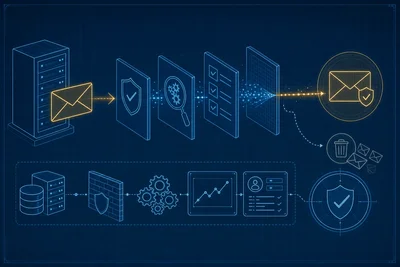
Email forwarding lets you redirect incoming messages from one address to another - or to multiple destinations at once. Instead of checking separate mailboxes, have everything land where you actually read it.
Set up simple forwarders or catch-all rules to capture all mail for a domain. All managed from your control panel with no server config needed.
Forwarding Features
Create Forwarders
Set up forwarders in seconds. Pick a source address and choose where messages go.
Multi-Destination
Forward one address to multiple recipients at once. Everyone gets a copy automatically.
Catch-All Forwarding
Set up per-address forwarders or a catch-all rule to capture all mail for a domain in one place.
Catch-All
Catch every email sent to your domain - even addresses that don't exist. Nothing gets lost.
Panel Managed
Everything is managed from your control panel. No SSH, no config files, no guesswork.
Edit & Delete
Modify destinations or remove forwarders at any time. Changes take effect immediately with no restart needed.
How It Works
Set Source
Choose the email address or domain you want to forward from.
Add Destinations
Enter one or more destination addresses where forwarded mail should arrive.
Activate
Save the forwarder and it starts working immediately. No restart needed.
Test
Send a test email to confirm delivery reaches all destinations correctly.
Email Forwarding is Included with Every Plan
Forwarders, catch-all, and multi-destination routing - all included at no extra cost with every plan.
View Plans