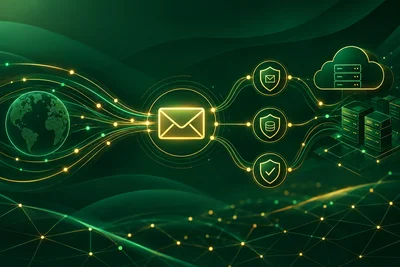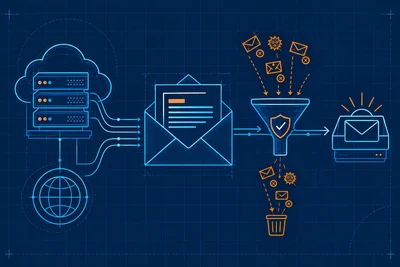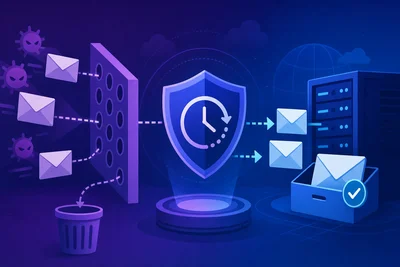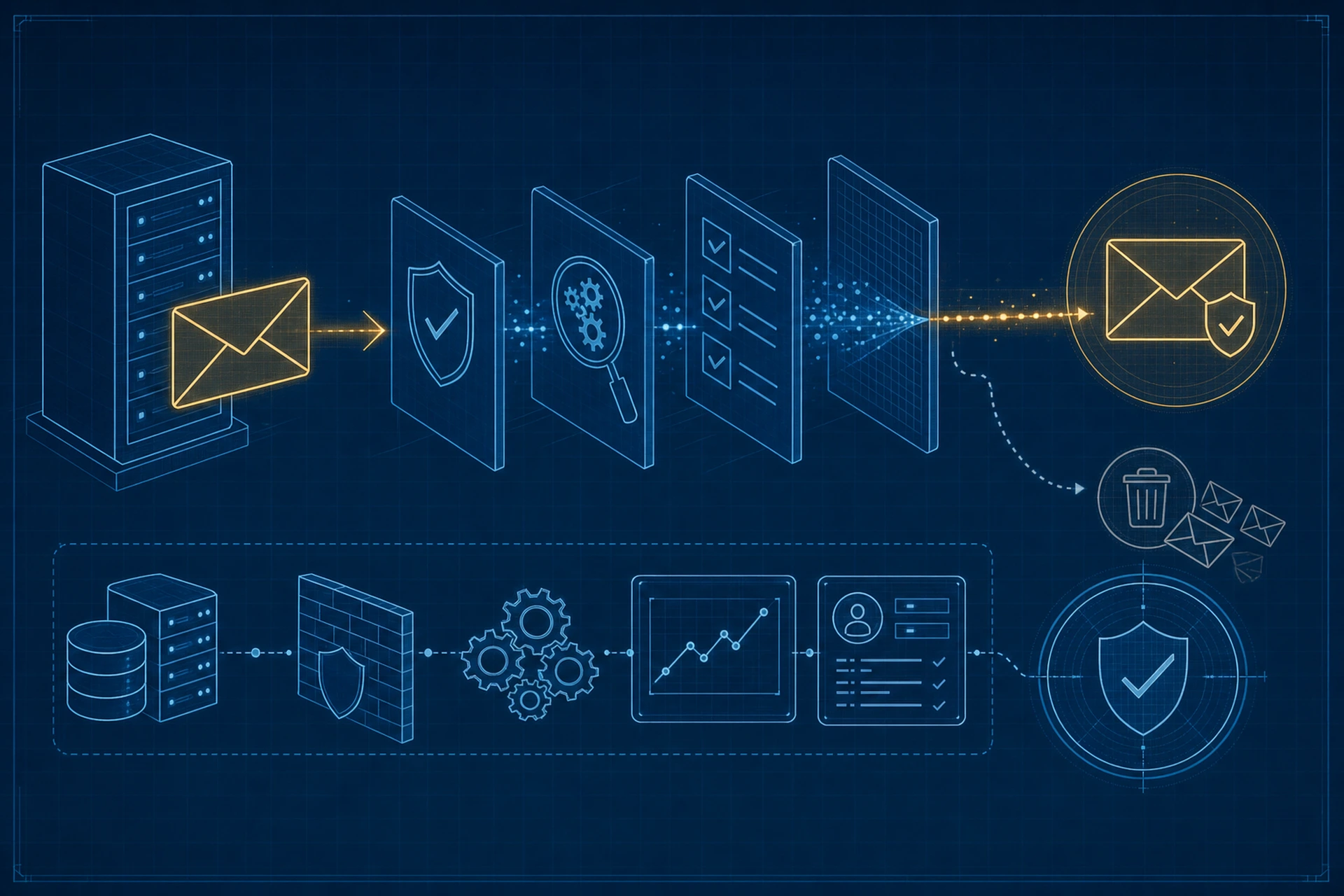
You send an important invoice to a client. Three days later they ask why you never followed up. You did, it just landed in their spam folder and quietly died there. This happens more than most people realize, and the frustrating part is that it usually has nothing to do with the content of your email. It has to do with what's happening on your server before the message even leaves.
Spam filters don't just read your subject line and guess. They check a whole set of technical signals tied to your sending server and domain. If those signals are missing or misconfigured, even a perfectly normal email can get flagged. Let's go through what actually causes this and how to fix it at the source.
Why Email Spam Prevention Starts on the Server, Not in the Inbox
Most people think of email spam prevention as something the receiving side handles. Gmail or Outlook decides what's spam, right? Not entirely. Inbox providers lean heavily on signals your own server sends out with every message. If your server isn't set up to prove it's a legitimate sender, you're fighting an uphill battle no matter how well-written your email is.
Three DNS records do most of the heavy lifting here: SPF, DKIM, and DMARC. If you've never touched these, don't worry, they're simpler than the acronyms suggest.
SPF: Proving Who's Allowed to Send
SPF (Sender Policy Framework) is a DNS record that lists which servers are allowed to send email on behalf of your domain. Without it, anyone could technically spoof your domain and send mail claiming to be you. Inbox providers see a missing or broken SPF record as a red flag, because it means they can't verify the sender.
Setting this up means adding a TXT record to your domain's DNS zone that lists your mail server's IP address or hostname. If you manage this yourself, get the syntax exactly right. A single typo in an SPF record can break it silently, and you won't know until your emails start bouncing to spam.
DKIM: Signing Your Messages
DKIM (DomainKeys Identified Mail) attaches a digital signature to every email you send. The receiving server checks that signature against a public key published in your DNS. If it matches, the receiving server knows the message wasn't altered in transit and really came from your server. No signature, or a broken one, and you look suspicious by default.
DMARC: Telling Inboxes What to Do
DMARC ties SPF and DKIM together and tells receiving servers what to do if a message fails those checks. Without a DMARC policy, providers make their own judgment call, which is rarely in your favor. A proper DMARC record also gives you visibility. You get reports showing who's sending mail using your domain, which is useful for catching spoofing attempts you didn't even know were happening.
The Reputation Problem Nobody Talks About
Even with SPF, DKIM, and DMARC all correctly configured, your server's IP address carries its own reputation. If you're on shared hosting and another customer on the same IP is sending spam, you inherit that bad reputation whether you like it or not. This is one of the quieter reasons legitimate business emails get blocked, and it's almost impossible to fix from the customer side because you don't control who else shares that server.
This is one reason a dedicated sending environment matters so much. On a proper VPS setup, your IP reputation reflects only your own sending behavior. We've seen this come up often enough that it's worth checking with your host directly: ask whether your email traffic shares an IP pool with other unrelated accounts. If it does, that's a real risk factor sitting outside your control.
Warming Up a New Server
If you've recently moved to a new server or a new IP address, don't blast out your full mailing list on day one. Inbox providers have no sending history to judge you by, so a sudden spike looks exactly like spam behavior. Start small. Send to your most engaged contacts first, then gradually increase volume over one to two weeks. This is called IP warming, and skipping it is one of the most common reasons new servers get flagged immediately.
Content Still Matters, Just Less Than You'd Think
Once your technical setup is solid, content-level spam triggers become the next thing to check. A few practical habits:
- Avoid ALL CAPS subject lines and excessive exclamation points.
- Keep a healthy text-to-image ratio. An email that's a single giant image looks like a classic spam tactic to filters.
- Include a real, working unsubscribe link, even for transactional-adjacent emails.
- Don't use link shorteners in marketing emails. Filters treat them with suspicion since they hide the real destination.
None of this replaces proper SPF, DKIM, and DMARC configuration though. Content tweaks help at the margins. The DNS-level setup is what determines whether your email gets a fair shot at the inbox in the first place.
Monitoring What Happens After You Hit Send
Spam prevention isn't a set-it-and-forget-it task. DNS records can break after a hosting migration. A DKIM key can expire. A shared IP's reputation can shift overnight because of someone else's mistake. Checking your DMARC reports periodically, or using a mail testing tool to send yourself a test message and review the headers, catches problems before they cost you real conversations with real clients.
If you're managing this on your own server, we've written more on the deliverability side in Why Your Emails Land in Spam and What Email Deliverability Actually Means, and on the reputation side specifically in How Sender Reputation Works and Why It Is the Foundation of Email Deliverability. Together with proper DNS handling, covered in more depth in our DNS management overview, these give you a full picture of what's happening between your server and the recipient's inbox.
The Takeaway
Getting flagged as spam rarely comes down to bad writing. It comes down to whether your server can prove it's who it says it is. Set up SPF, DKIM, and DMARC correctly, warm up new servers gradually, and check your sending reputation isn't being dragged down by someone else on the same IP. Get the technical foundation right, and your actual emails, the ones you spent time writing, finally get the chance to be read instead of buried.