Most websites start on shared hosting, and that's fine. It's cheap, it's easy, and when you're just getting going, you don't need much more. But at some point, shared hosting starts working against you instead of for you. The hard part is knowing exactly when that moment arrives.
If you wait too long, you'll find out the hard way, usually during your busiest traffic day of the year. If you move too early, you'll pay for resources you don't need yet. Let's talk about the signs that actually matter.
Your Site Slows Down for No Clear Reason
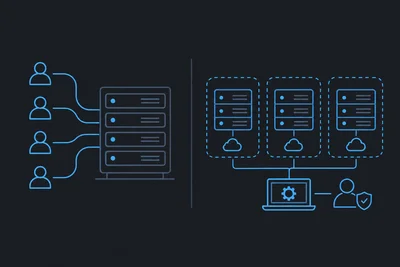
On shared hosting, you're splitting server resources with dozens, sometimes hundreds, of other websites. You have no control over who else is on that server or what they're doing. If one site next to yours gets a traffic spike or runs a poorly written script, your site can slow down too, even though you did nothing wrong.
If you've optimized your images, cleaned up your database, and checked your plugins, but your load times still creep up at random hours, that's a strong signal. You're not fighting your own code anymore. You're fighting your neighbors.
A managed VPS hosting plan gives you dedicated resources: your own slice of CPU, RAM, and storage that nobody else touches. Your site's performance depends on your site, not on strangers sharing the same box.
Traffic Is Becoming Unpredictable
Maybe you run a seasonal business. Maybe a blog post went viral. Maybe you're running ads that are finally working. Whatever the reason, growing or spiky traffic is one of the clearest reasons to leave shared hosting behind.
Shared plans are built for steady, low-volume traffic. The moment you get a real spike, you'll often see timeouts, 500 errors, or a suspension notice from your host because you exceeded some invisible resource cap. With managed VPS hosting, you get resources sized for your actual usage, and a good provider will help you scale those resources up before you hit a wall, not after.
You Need More Control Over Your Server Environment
Shared hosting locks you into whatever software stack the provider has chosen. Want a specific PHP version, a custom caching setup, or to run something outside the usual WordPress-and-MySQL mold? You're often stuck.
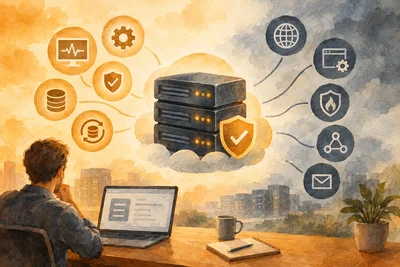
A VPS gives you a dedicated environment you can configure for your specific needs, while a managed provider still handles the parts you don't want to deal with, like server hardening, updates, and monitoring. You get the control of a VPS without taking on full sysadmin duties.
This matters a lot if you're running multiple sites, a custom application, or anything beyond a basic brochure site. We've seen developers hit this wall constantly. They need root-level flexibility, but they don't want to spend their weekends patching a kernel.
Security Incidents Are Starting to Worry You
Shared servers are a bigger target. If your site lives next to a poorly secured site on the same server, a breach there can sometimes spread. You also have less visibility into what's actually happening on the server itself.
Moving to a VPS isolates your environment completely. Combine that with proper security measures at the hosting level, and you cut off a lot of the attack paths that exist by default on shared infrastructure. If you want to go deeper on this, our overview of website security protection covers what a solid setup actually looks like.
You're Tired of Explaining Downtime to Customers
If your site goes down even occasionally, and it's costing you sales, leads, or credibility, that's not a minor inconvenience anymore. That's a business cost. Shared hosting providers often oversell their servers, meaning more sites are packed onto the same hardware than it can comfortably handle. Downtime becomes a recurring theme instead of a rare event.
We covered the scaling side of this in Why Growing Businesses Eventually Outgrow DIY Server Management, and the pattern holds here too: the businesses that wait until a crisis to upgrade almost always pay more for it in lost revenue than they would have paid for better hosting months earlier.
You Want Backups and Monitoring You Can Actually Rely On
Shared hosting backups are often an afterthought, infrequent, slow to restore, or buried behind a paywall for anything beyond the basics. On a managed VPS hosting plan, daily backups and uptime monitoring are usually baked in, so you're not relying on a once-a-week snapshot if something goes wrong. If this is a pain point for you right now, it's worth reading up on how daily backups and restores should actually work and what proper uptime monitoring looks like.
How to Know You're Actually Ready
You don't need a perfect checklist, but here are the practical signals worth weighing together rather than individually:
- Your traffic has grown steadily for 3+ months and shows no sign of slowing down.
- You've had more than one unexplained slowdown or outage in the past quarter.
- You're running an online store, membership site, or anything handling customer data.
- You need software, PHP versions, or configurations your current host doesn't support.
- Your current host's support team keeps pointing to "server load" as the answer.
If two or more of these sound familiar, you're not jumping the gun by looking at a VPS. You're catching the problem before it becomes expensive. For a closer look at what you actually get with this kind of setup, see Managed VPS Hosting: What's Actually Included and What Still Requires Your Attention.
Making the Switch Doesn't Have to Be Disruptive
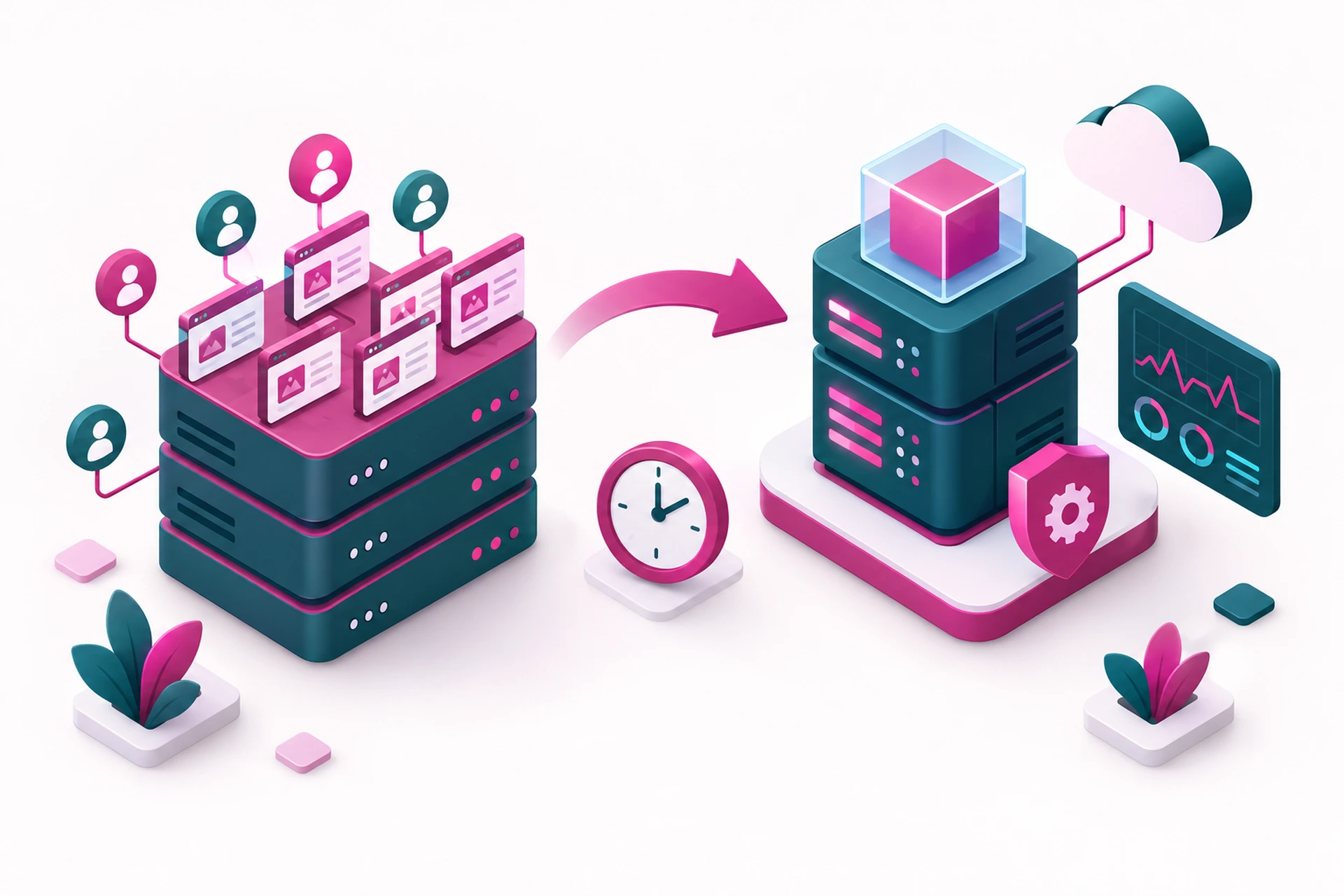
One thing that keeps people on shared hosting longer than they should be is fear of the migration itself. The good news is that a proper managed migration, done by your new host, usually takes your DNS, files, and databases along with it, with minimal downtime. You shouldn't need to touch a terminal to make the move happen.
If you're seeing the signs above, the smartest move isn't to wait for a crisis. It's to look at what a managed VPS plan actually costs and includes before your current setup forces your hand.