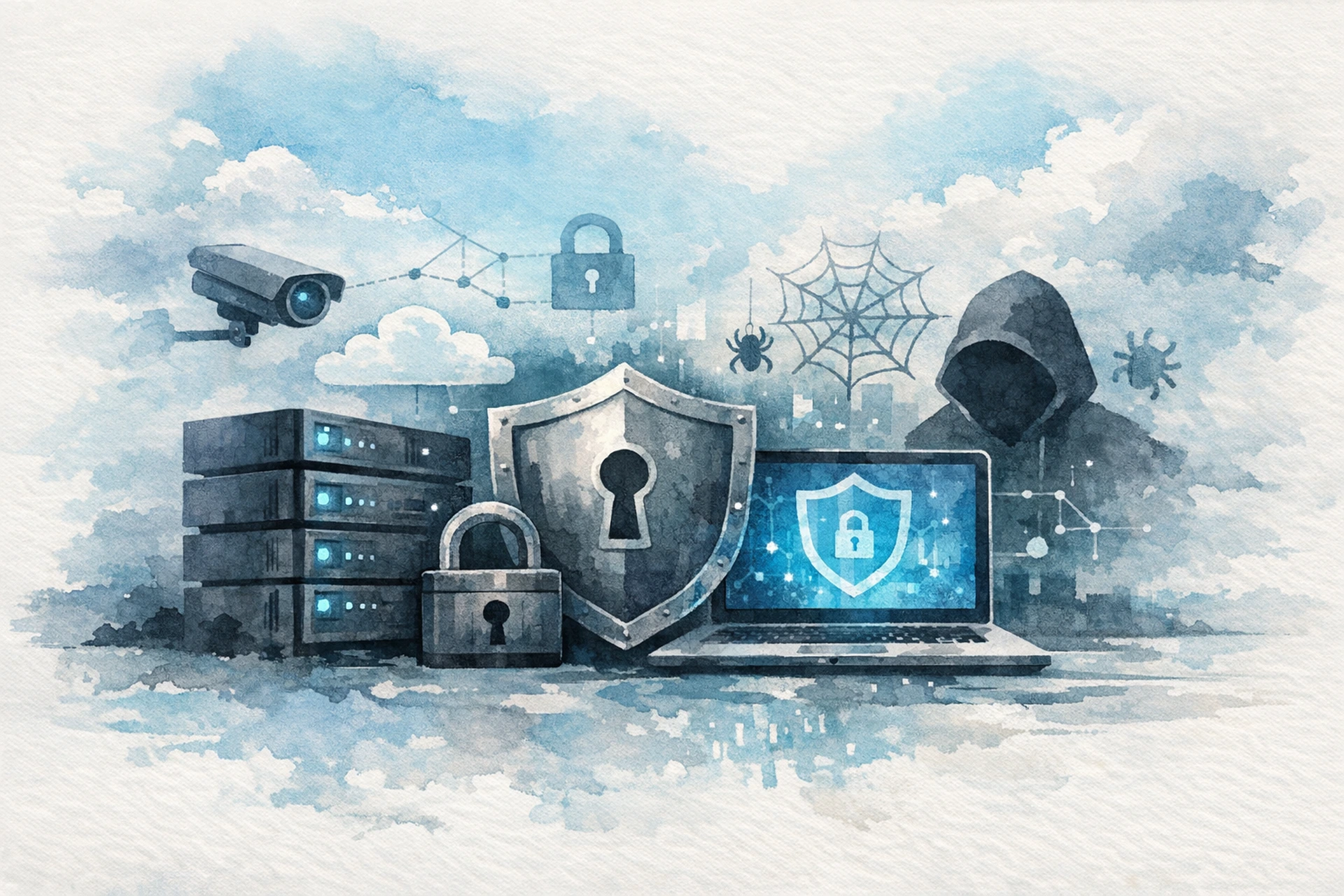
Every week, millions of websites get compromised — and most of those site owners had no idea anything was wrong until it was too late. We're talking defaced homepages, stolen customer data, blacklisted domains, and sometimes a complete wipe of everything they'd built. The frustrating part? A lot of it is preventable.
Good website security protection isn't about buying the most expensive tools or becoming a full-time sysadmin. It's about understanding the threats you actually face and building the right layers of defense. Let's work through what that looks like in practice.
Why Most Websites Get Hacked
The majority of successful attacks don't happen because a hacker specifically targeted you. They happen because automated bots are constantly scanning the internet for low-hanging fruit — outdated software, weak passwords, misconfigured servers, and unpatched vulnerabilities.
The attacker doesn't care who you are. They care that your WordPress installation is three versions behind and your admin password is in a leaked database somewhere. Fix those two things and you've already put yourself ahead of a huge percentage of sites on the internet.
The most common attack vectors are:
- Outdated CMS and plugins — WordPress, Joomla, and similar platforms release security patches constantly. Running old versions is an open invitation.
- Brute-force login attacks — Bots try thousands of username/password combinations per hour. If your credentials are simple or reused, they'll get in.
- SQL injection and cross-site scripting (XSS) — These exploit vulnerabilities in web application code to manipulate databases or inject malicious scripts.
- DDoS attacks — A flood of traffic designed to overwhelm your server and take your site offline.
- Supply chain attacks — A third-party plugin or script you're using gets compromised, and that compromise flows through to your site.
The Layers of Effective Website Security Protection
Think of website security like an onion. No single layer protects you from everything. The goal is to make it hard enough at each layer that attackers move on to easier targets.
Layer 1: Keep Everything Updated
This sounds boring because everyone says it. But it remains the single most effective thing you can do. The majority of successful exploits target known vulnerabilities — vulnerabilities that already have patches available. Enable automatic updates where you can. Set a weekly reminder to check your plugins manually. Don't run software that's no longer receiving security updates.
Layer 2: Use Strong Authentication
Weak credentials are responsible for a staggering number of breaches. For your hosting control panel, CMS admin, and any connected services, you should be using:
- Long, unique passwords (use a password manager — seriously)
- Two-factor authentication (2FA) wherever it's available
- Limited login attempts with lockouts after repeated failures
If you're running WordPress, move your login page away from the default /wp-admin path. It won't stop a determined attacker, but it dramatically reduces the automated noise hitting that endpoint.
Layer 3: A Web Application Firewall (WAF)
A WAF sits between the internet and your web application, inspecting incoming requests and blocking anything that looks malicious. It's one of the most practical layers of website security protection available, because it catches things at the network edge — before they ever reach your application code.
A good WAF blocks SQL injection attempts, XSS payloads, malicious bots, and known attack signatures. It won't make vulnerable code safe, but it buys you time and dramatically reduces your attack surface. If your current host doesn't include one, it's worth adding through a service like Cloudflare — or switching to a host that includes it at the infrastructure level. For a deeper look at what these tools actually do, What Is a Web Application Firewall and Do You Really Need One? is worth reading.
Layer 4: DDoS Mitigation
A DDoS (Distributed Denial of Service) attack floods your server with fake traffic until it can't respond to real visitors. Small sites get hit by these more often than you'd think — sometimes as opportunistic attacks, sometimes as targeted ones.
Mitigation works by detecting the flood early and filtering it before it reaches your server. The key word there is before. Once the traffic is hitting your origin server, it's usually too late to react in time. This is why DDoS protection needs to be upstream — at the network edge, not on the server itself.
We handle this at the infrastructure level for every site we host. Requests go through a security pipeline that screens for DDoS traffic and WAF rule violations before anything reaches your application — so even during an attack, your server stays responsive for legitimate visitors.
Layer 5: HTTPS Everywhere
If you're still running any part of your site over HTTP, stop. HTTPS encrypts traffic between your visitors and your server, preventing man-in-the-middle attacks and data interception. It's also a trust signal — browsers actively warn users about non-HTTPS sites now.
Getting an SSL certificate is free through Let's Encrypt, and most managed hosting providers handle the installation and renewal automatically. There's no good reason not to have it.
Layer 6: Backups You Can Actually Restore
Backups aren't a security measure in the traditional sense, but they're your last line of defense when everything else fails. Ransomware, accidental deletion, a botched update, a compromised plugin — all of these scenarios end a lot better when you have a clean backup from a few hours ago.
The two things that matter most: how often you back up, and where those backups are stored. Daily backups stored on the same server you're backing up are nearly useless — if the server goes down, so do your backups. You want frequent, off-server backups. We run automatic backups up to four times a day depending on your plan, stored separately from your main server — so your maximum data loss window in a worst-case scenario is just a few hours.
Website Security Protection for WordPress Sites
WordPress powers around 40% of the web, which makes it an enormous target. Most WordPress security problems fall into a handful of categories: outdated core or plugins, weak admin credentials, excessive user permissions, and insecure file permissions on the server.
Beyond the general advice above, WordPress site owners should also:
- Audit your installed plugins regularly. Delete anything you're not actively using.
- Limit the number of admin-level users. Most contributors don't need admin access.
- Use a security plugin (Wordfence or Solid Security are solid choices) for file integrity monitoring and login protection.
- Disable XML-RPC if you're not using it — it's a common brute-force target.
- Review your file permissions. wp-config.php should be 400 or 440, not world-readable.
How to Know If Your Site Has Already Been Compromised
This is the question most people forget to ask. Signs your site may have been compromised include:
- Unexpected redirects to other sites
- New admin users you didn't create
- Search engines flagging your site as dangerous
- Unexpected file changes or new files on your server
- A sudden spike in outbound traffic or server resource usage
- Visitors reporting seeing spam or malware warnings
Tools like Google Search Console will alert you if Google detects malware on your site. Running periodic scans with a tool like Sucuri SiteCheck is a good habit — it takes about 30 seconds and can catch problems early.
Building a Security Routine, Not Just a Setup
The biggest mistake site owners make is treating security as a one-time setup. You install a firewall, configure 2FA, and consider yourself done. But threats evolve, software gets updated, new vulnerabilities emerge, and your site changes over time. As we've covered in Why Website Security Protection Is Not a One-Time Setup But an Ongoing Practice, this mindset shift matters more than any single tool.
A sustainable approach to website security protection looks like this:
- Weekly: Check for plugin and CMS updates. Review any security alerts from your monitoring tools.
- Monthly: Audit your user accounts and remove any that aren't needed. Review your backup logs to confirm they're running.
- Quarterly: Run a full security scan. Review your hosting configuration. Check that your SSL certificate is current and auto-renewing.
Security isn't glamorous work. It's mostly routine maintenance. But the sites that stay secure are almost always the ones where someone is paying consistent, low-level attention — not the ones that bought the most expensive tool once and forgot about it.