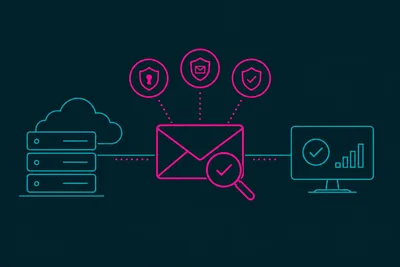
Ever wonder why one email lands in the inbox and an almost identical one gets buried in spam? It's not luck. It's the result of a filtering system scoring your message against dozens of signals in a fraction of a second. Understanding how that scoring works is the first step toward reliable email spam prevention, and it's a lot less mysterious than it sounds.
What a Content Filter Actually Does
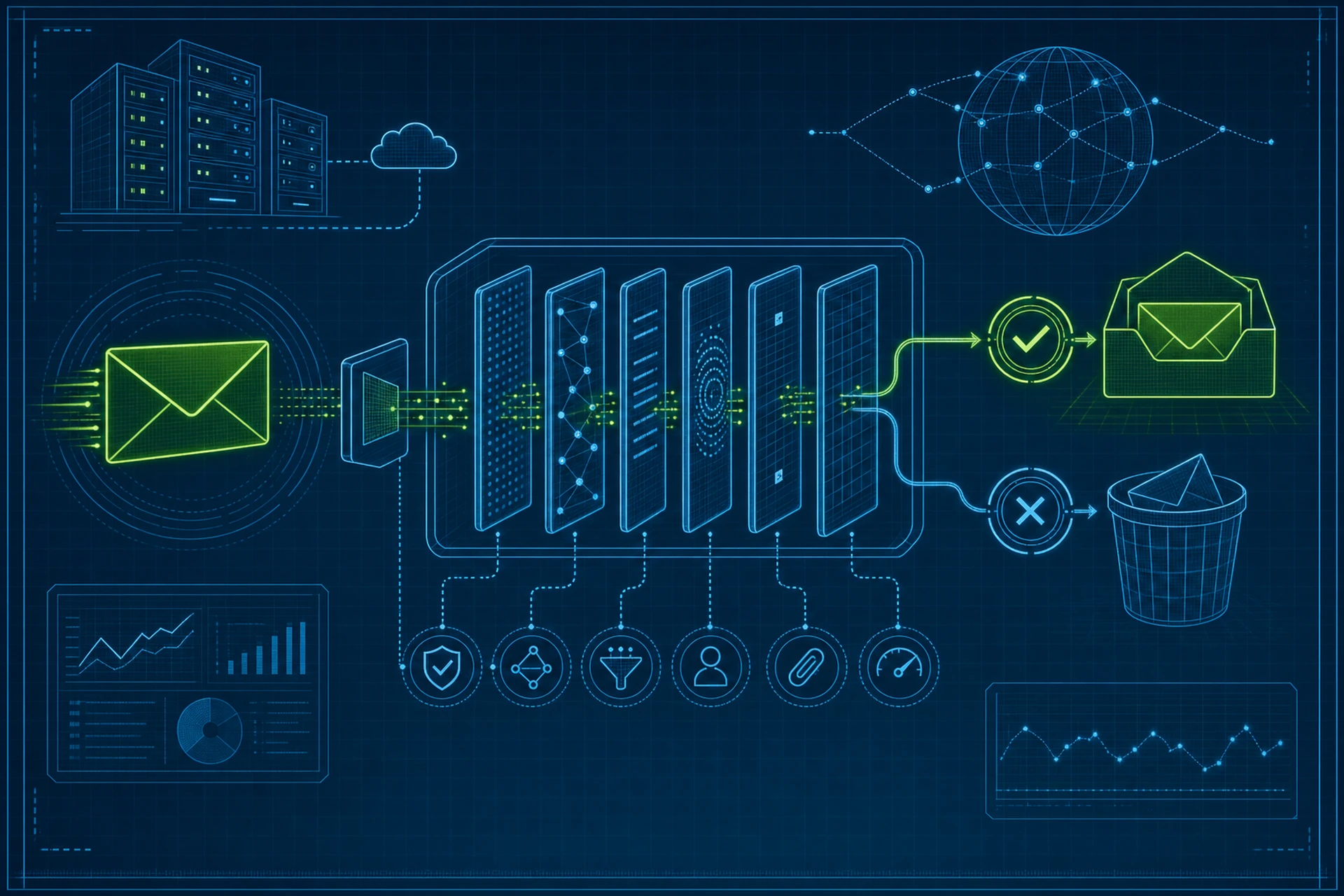
Every major inbox provider, Gmail, Outlook, Yahoo, runs incoming mail through a content filter before it ever reaches the recipient's folder. This filter isn't a single switch. It's a scoring engine that adds up points for suspicious traits and subtracts points for trustworthy ones. Cross a certain threshold, and the message gets flagged as spam or quarantined entirely.
The tricky part is that this threshold moves. Providers constantly retrain their models based on what millions of users mark as spam or "not spam" that day. So a technique that worked last month might trip a filter today.
The Technical Signals Filters Check First
Before a filter even looks at your words, it checks the plumbing behind your message:
- SPF, DKIM, and DMARC records - these confirm the sending server is actually authorized to send mail for your domain.
- Reverse DNS - your sending IP should resolve back to a hostname that matches your domain or hosting provider.
- Sender reputation - a history tied to your IP and domain, built from past complaint rates, bounce rates, and volume patterns.
Fail any of these and your email spam prevention efforts are fighting an uphill battle before a human ever reads a single word. This is exactly why a misconfigured mail server does so much quiet damage over time.
Content-Based Spam Classification Triggers
Once your technical setup checks out, filters move on to the message itself. Here's what tends to raise flags:
Suspicious Language Patterns
Words like "free," "act now," "guarantee," or "click here" aren't automatically fatal, but stacking several of them together in one email adds up quickly. Filters also look at ALL CAPS SUBJECT LINES, excessive exclamation points, and mismatched fonts or colors pasted in from other tools.
Link and Attachment Behavior
A message with a dozen links to different domains, or a shortened URL hiding the real destination, looks a lot like a phishing attempt to a filter. Attachments with executable file types or unusual formats get scrutinized even harder. If you're sending a newsletter, stick to a handful of links pointing to domains you actually own.
HTML Structure and Image Ratio
Emails that are one giant image with barely any real text are a classic spam pattern, because it used to be a way to dodge keyword-based filters. Modern filters catch on to this fast. Aim for a healthy balance of text and images, and always include descriptive alt text.
Engagement Signals
This is the part most senders underestimate. Gmail and other providers track how recipients actually interact with your mail. Do people open it? Do they reply? Do they delete it without reading, or worse, mark it as spam? Low engagement over time drags your reputation down even if the content itself looks clean. We touched on why this matters so much in Why Subscriber Engagement Metrics Directly Influence Email Deliverability.
How Filters Learn From Bulk Sending Patterns
Sending a huge volume of nearly identical messages in a short window is another red flag, especially from a domain or IP without an established sending history. This is why "warming up" a new sending IP gradually, rather than blasting your full list on day one, makes such a difference. Filters are watching the pattern of your sends just as much as the content.
Bounce rates play into this too. A high number of hard bounces tells a filter you're sending to addresses that don't exist, which is a common trait of spam operations. We covered this connection in How Bounce Rates Silently Destroy Your Email Deliverability Over Time.
Feedback Loops and Spam Complaints
Most major providers offer feedback loops to senders, telling them when a recipient hits the "report spam" button. Even a small percentage of complaints, often as low as 0.1%, can be enough to tank your sender reputation. This is one reason a clean, permission-based list matters so much more than a large one.
Practical Steps for Better Email Spam Prevention
None of this means you need to walk on eggshells with every email. A few consistent habits go a long way:
- Authenticate your domain properly with SPF, DKIM, and DMARC, and check them periodically, not just once at setup.
- Keep your list clean by removing hard bounces and inactive addresses regularly.
- Write like a person, not a sales flyer. Skip the spam-trigger words when a plainer phrase works just as well.
- Balance text and images, and avoid burying your entire message inside a single graphic.
- Send at a steady, predictable pace instead of huge irregular bursts.
If your email runs through the same hosting environment as your website, it's worth checking that your server itself isn't the source of the problem. A poorly configured mail server can leak signals that hurt every message you send, regardless of how well-written the content is. That's part of why a properly managed email hosting setup matters just as much as your writing style.
The Takeaway
Spam classification isn't a single test you pass or fail. It's a running score built from your server setup, your content, and how real people respond to your emails over time. Get the technical foundation right, write like a human, and pay attention to engagement, and you'll clear most filters without ever thinking about them again. For a deeper look at fixing specific deliverability issues, see How to Stop Legitimate Emails From Being Flagged as Spam Before They Leave Your Server.