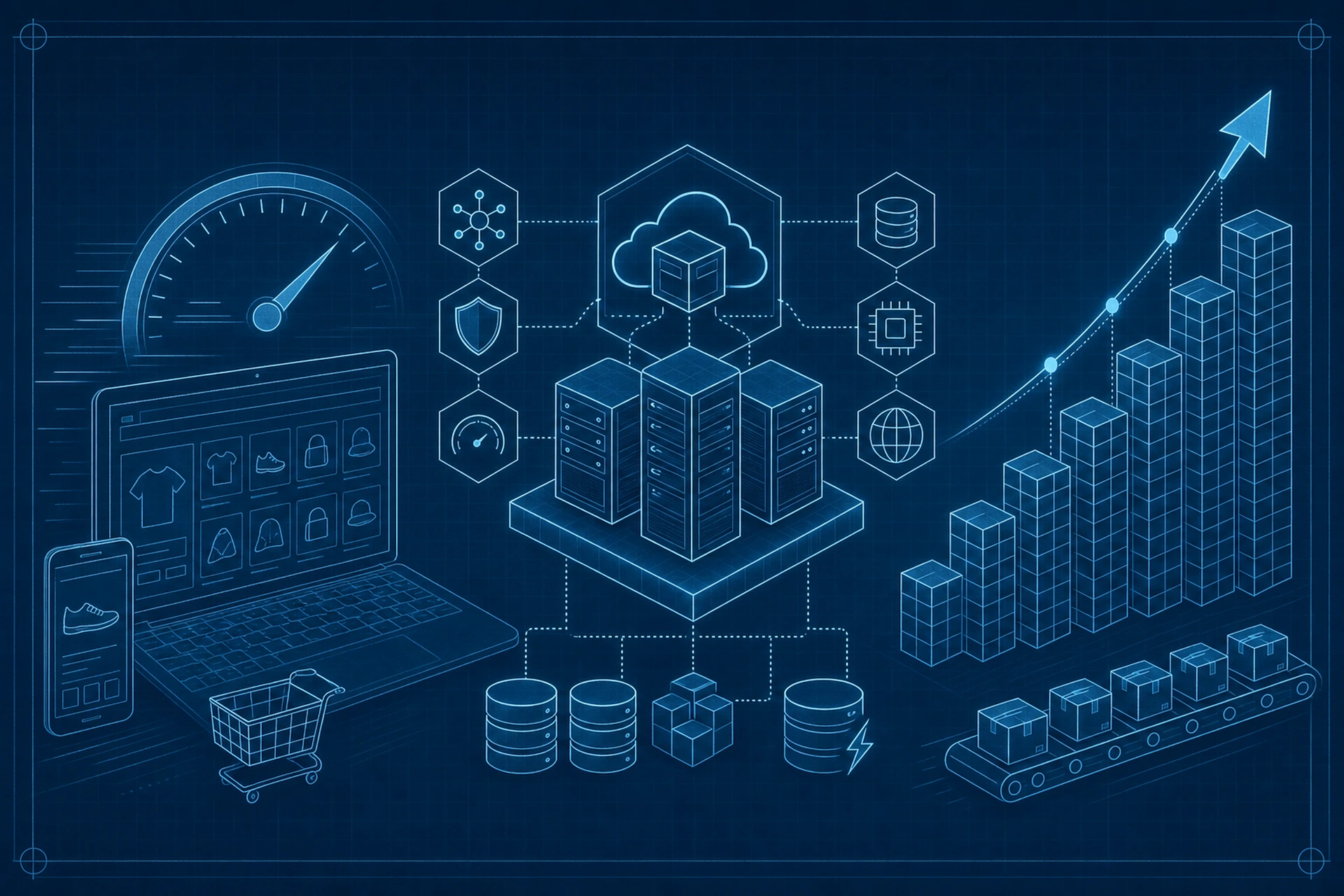
Your store started with 50 products and loaded in under a second. Now you've got 5,000 SKUs, filterable categories, product variants, and a search bar that everyone actually uses. Suddenly pages crawl, checkout hesitates, and your bounce rate creeps up right when you need it to go down.
This is one of the most predictable problems in ecommerce, and one of the least talked about. Catalog growth isn't just a content problem, it's an infrastructure problem. And it usually calls for an ecommerce hosting solution built for exactly this kind of scale, not a general-purpose plan stretched past its limits.
Why More Products Means More Than Just More Storage
People assume catalog growth is a disk space issue. It rarely is. The real strain shows up in three places:
- Database queries. Every filter, search, and category page runs queries against your product tables. More SKUs means bigger tables, slower joins, and heavier load on every page view.
- Cache invalidation. Prices change, stock levels update, promotions rotate. Every change can trigger cache purges across thousands of pages if your caching layer isn't smart about it.
- Checkout complexity. More variants and combinations mean more calculations happening in real time as customers build their cart.
None of this is visible to your customers until it's a problem. Then it's very visible, because it shows up as a slow product page or a checkout that spins for three seconds too long.
The Database Bottleneck Nobody Notices Until It's Too Late
A store with 200 products can get away with sloppy queries and no query caching. A store with 8,000 products cannot. Unindexed columns, unnecessary joins, and repeated queries for the same data all get exponentially worse as row counts climb. This is why hosting environments tuned for online stores put real effort into database performance from day one instead of patching it after things slow down.
What a Real Ecommerce Hosting Solution Actually Does Differently
A generic hosting plan treats your store like any other website. A hosting environment designed around commerce treats it differently, because it understands the traffic pattern is different. Shoppers browse, filter, abandon carts, come back, and check out, often within the same session. That behavior needs specific things to stay fast:
Object Caching That Understands Dynamic Data
Product pages aren't static. Prices change, stock counts update, and personalized recommendations shift. A Redis-based object cache handles this well because it caches at the data level, not just the page level, so dynamic content stays fast without serving stale prices to customers. We support this directly on our WordPress and WooCommerce environments, and it makes a measurable difference once a catalog passes a few thousand products.
Smarter Asset Optimization for Bigger Catalogs
More products usually means more images, more variant thumbnails, and heavier category pages. Combining and minifying CSS and JavaScript, lazy loading images below the fold, and removing unused CSS per page type (homepage, shop, product, cart, checkout) all cut real weight off pages that would otherwise balloon as your catalog grows. These optimizations matter more on a 5,000-SKU store than a 50-SKU one, simply because there's more to load on every category and search page.
Checkout-Specific Performance Tuning
Checkout pages have different needs than product pages. They can't be aggressively cached the same way, but they still need to load fast under pressure, especially during a sale. Hosting built for stores usually applies different optimization rules to cart and checkout pages specifically, rather than a one-size-fits-all cache policy across the whole site.
We covered the checkout side of this in more depth in The Ecommerce Hosting Features That Speed Up Checkout and Reduce Cart Abandonment.
Signs Your Current Hosting Is Already Behind Your Catalog
You don't need to wait for a crash to know your infrastructure is falling behind. Watch for these signs:
- Category and search pages that take noticeably longer to load than your homepage
- Admin panel slowdowns when editing or bulk-updating products
- Cache purges that take a long time or seem to affect the whole site instead of just the changed pages
- Rising server response times that correlate with catalog size, not just traffic volume
If any of these sound familiar, the problem usually isn't your theme or your plugins. It's the hosting layer underneath them, straining to keep up with a store it wasn't built to handle at scale.
Growing Pains Are Predictable, So Plan for Them
Catalog growth is one of the few scaling challenges you can actually see coming. If you're adding hundreds of products a quarter, you already know roughly when you'll cross the threshold where your current setup starts to strain. That's the moment to move, not after conversion rates start dropping. We wrote more about the earlier stages of this journey in What to Look for in an Ecommerce Hosting Solution When Your Product Catalog Is Growing Fast.
Migrating Without Losing Momentum
The idea of moving a large catalog to new hosting understandably makes people nervous. Product data, images, order history, customer accounts, all of it needs to move cleanly. Done properly, with a staging environment to test everything before it goes live, a migration doesn't have to mean downtime or lost sales. We broke this process down step by step in How to Migrate Your Online Store to a Better Ecommerce Hosting Solution Without Losing Sales.
For teams managing staging environments during a catalog migration, our staging environments overview covers how to test changes safely before pushing them live.
The Takeaway
A slow store isn't a marketing problem, it's an infrastructure problem wearing a marketing costume. As your SKU count climbs, the caching, database tuning, and asset handling that worked fine at 200 products will not hold up at 5,000. The good news is this is entirely fixable, and it's far cheaper to fix proactively than to lose sales while you scramble to figure out why checkout suddenly feels sluggish. If your catalog is growing, treat your hosting decision with the same seriousness you'd give your product photography or your checkout flow. It affects every single page your customers see.