If you run a small business, you've probably had one of these moments: a customer says they emailed you three times and never heard back, but your inbox shows nothing. Or your own newsletter starts landing in spam folders and you have no idea why. Email spam prevention sounds like a job for a dedicated IT team, but most of the fixes are things any business owner can handle in an afternoon.
The good news is that email spam prevention isn't about buying expensive software or hiring a specialist. It's mostly about getting a handful of settings right and building a few habits into how you send email. Let's go through what actually matters.
Why Email Spam Prevention Matters More Than You Think
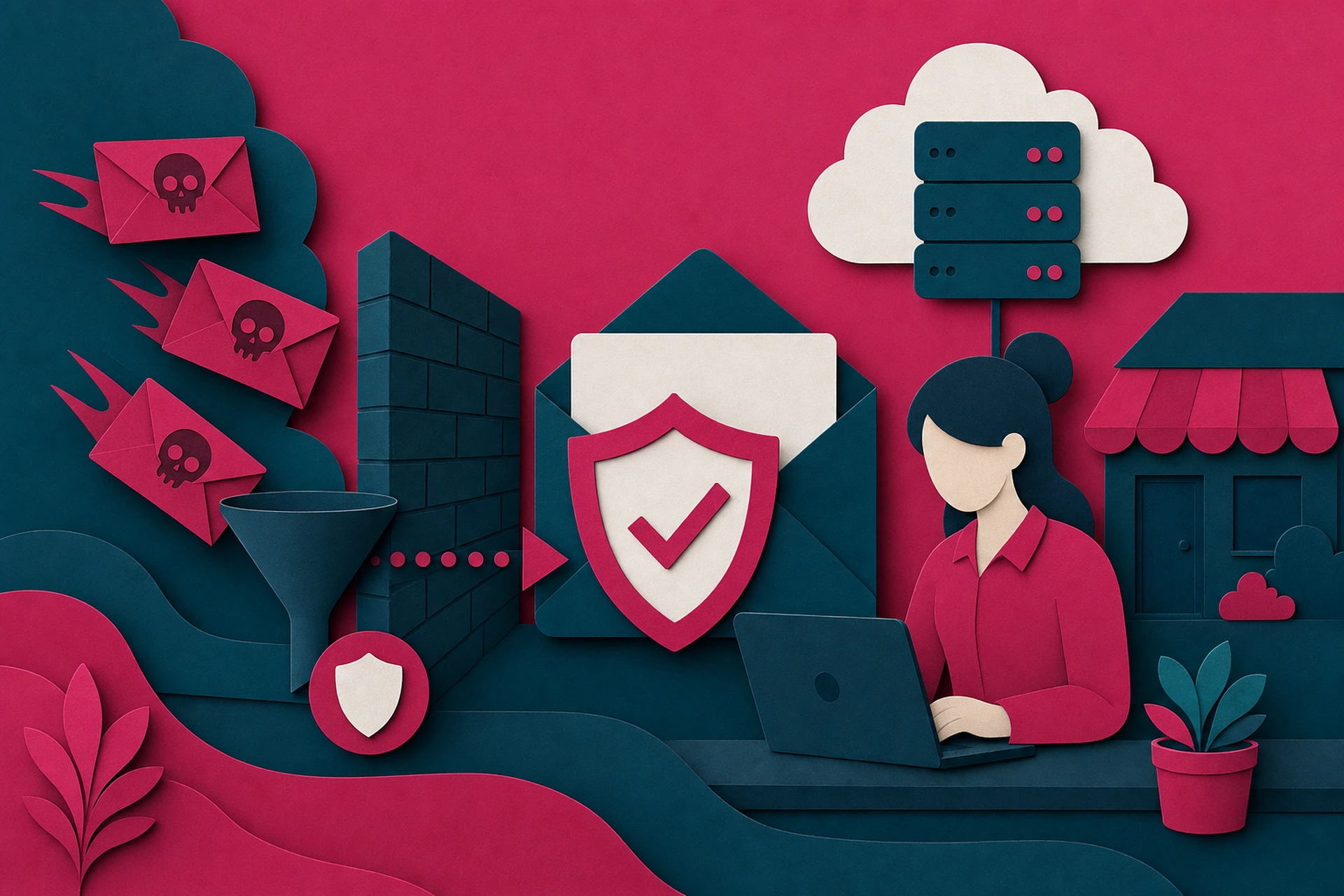
Spam filters don't just protect your inbox from junk. They also judge every email your business sends out. If your domain looks suspicious to Gmail or Outlook, your invoices, order confirmations, and marketing emails can all get buried in spam, even when the person on the other end genuinely wants to hear from you.
That's a real business cost. A missed invoice email delays payment. A missed shipping confirmation creates a support ticket. A missed marketing email is a missed sale. Good email spam prevention protects your reputation on both sides: what comes in and what goes out.
Start With Your Domain Authentication Records
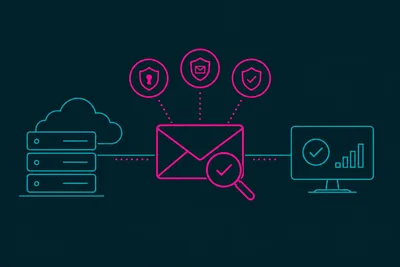
This is the single biggest lever for email spam prevention, and it's also the most overlooked. Three DNS records tell inbox providers that your emails are legitimate:
- SPF lists which servers are allowed to send email on behalf of your domain.
- DKIM adds a digital signature to your outgoing messages so receivers can verify they weren't altered in transit.
- DMARC tells receiving servers what to do with messages that fail SPF or DKIM checks, and can send you reports when someone tries to spoof your domain.
Without these records, your emails look exactly like what a spammer's email looks like: unverified and easy to fake. Most email hosting providers will walk you through setting these up, and once they're in place, you rarely need to touch them again. We cover the DNS side of this in more detail in our DNS management overview.
You Don't Need to Understand the Cryptography
You just need to know these three records exist, that they live in your domain's DNS settings, and that skipping them is one of the most common reasons small business emails get flagged. If you're not sure whether yours are set up correctly, there are free online checkers that will scan your domain in seconds.
Use a Real Business Email Address, Not a Free One
Sending business email from a free Gmail or Yahoo address makes spam filters more suspicious, not less. Free addresses get used by spammers constantly, so filters apply extra scrutiny. A custom domain address paired with proper authentication records signals that you're a real business with a real reputation to protect.
This also ties directly into deliverability. If you're curious about the deeper mechanics of how inbox providers score your domain over time, we've written about how sender reputation works and it's worth a read once you've got the basics covered.
Clean Up Your Contact Lists Regularly
Old email lists are a hidden source of spam complaints. If you're emailing addresses that bounce, that belong to people who never open your messages, or that were collected years ago without clear consent, you're quietly damaging your sending reputation every time you hit send.
A simple quarterly habit fixes most of this:
- Remove addresses that have hard-bounced.
- Remove or re-engage contacts who haven't opened anything in six months or more.
- Never buy or scrape email lists. It's the fastest way to end up on a blocklist.
Watch What Triggers Content Filters
Inbox providers scan the actual content of your emails, not just your sending reputation. Certain patterns raise red flags: excessive capital letters, too many exclamation points, misleading subject lines, or a huge image with almost no text (a common spammer trick to dodge text-based filters).
None of this means you need to write boring emails. It just means writing the way you'd naturally write to a customer, rather than the way a discount coupon flyer is written. If you want a deeper breakdown of exactly what triggers these filters, we go through it in how content filters evaluate your emails.
Secure the Server Side, Even If You Never Touch It
A lot of small business email problems don't come from marketing mistakes at all. They come from a misconfigured mail server that spammers found and started using to send junk through your domain without you noticing. This is more common than people assume, especially on cheap shared hosting where mail servers aren't monitored closely.
This is one area where having a managed host actually pays off. A properly configured mail server with open relay protection, rate limiting, and active monitoring closes off the door spammers look for. If you're managing email yourself, it's worth checking that outbound rate limits and relay restrictions are actually enabled, not just assumed to be. For a closer look at how attackers exploit weak server configurations, see why spammers love misconfigured email servers.
What Good Email Hosting Handles For You
If your email runs through a proper business hosting setup, most of the technical spam prevention work happens in the background. Authentication records get configured correctly from the start, servers get patched and monitored, and outbound traffic gets checked for abuse patterns before it becomes a reputation problem. You can read more about what that looks like on our business email hosting page.
A Simple Monthly Checklist
You don't need daily monitoring to keep your email reputation healthy. A short monthly check is enough for most small businesses:
- Check that your SPF, DKIM, and DMARC records are still valid (domain changes can accidentally break these).
- Review your DMARC reports for any signs of spoofing attempts.
- Scrub bounced and inactive addresses from your list.
- Skim your last few sent campaigns for spam-trigger language.
- Confirm your mail server software is up to date if you're managing it yourself.
None of these steps require a certification or a dedicated hire. They just require ten minutes and a recurring reminder on your calendar.
The Takeaway
Email spam prevention for a small business isn't about complicated tools. It's about getting your authentication records right, keeping your lists clean, writing naturally, and making sure your server isn't quietly working against you. Get those basics in place once, do a light monthly check afterward, and you'll spend far less time wondering why your emails aren't showing up.