You've written the email. The subject line is sharp, the offer is good, and your list is ready. But before you hit send on a big campaign, there's a quieter question worth asking: will this email actually land in the inbox?
Email deliverability isn't something you fix once and forget. It's something you check before every campaign that matters, especially the big ones going out to thousands of people at once. A single bad send can dent your sender reputation for weeks. Here's the checklist we'd run through before pressing that button.
Start With Your Authentication Records
Before anything else, confirm your SPF, DKIM, and DMARC records are set up correctly and actually passing. These three records tell inbox providers like Gmail and Outlook that your email really came from you and wasn't spoofed.
- SPF lists which servers are allowed to send mail on behalf of your domain.
- DKIM adds a digital signature that proves the message wasn't tampered with in transit.
- DMARC tells receiving servers what to do if a message fails SPF or DKIM checks.
If you recently switched email providers or added a new sending tool, double check these records again. It's a common mistake to set them up once and never revisit them, even after your sending infrastructure changes. For the deeper mechanics, we covered this in How Sender Reputation Works and Why It Is the Foundation of Email Deliverability.
Clean Your List Before You Send
A big campaign to a stale list is one of the fastest ways to hurt your email deliverability. Old addresses bounce. Inactive subscribers don't open. Both signal to inbox providers that your mail might not be wanted.
Before sending, remove:
- Hard bounces from previous campaigns (these addresses don't exist anymore)
- Subscribers who haven't opened anything in the last 6 to 12 months
- Anyone who never confirmed a double opt-in, if you use one
We go deeper on the mechanics of bounces in The Difference Between Soft Bounces and Hard Bounces, but the short version is this. Hard bounces should never be resent to, and a rising bounce rate over time is a warning sign you can't ignore.
Segment Instead of Blasting Everyone at Once
If your list is large, consider sending to your most engaged segment first. A strong open rate from your top segment signals good things to inbox providers before the rest of the batch goes out. This is especially useful if you're launching to a list you haven't emailed in a while.
Warm Up Any New Sending Infrastructure
If you've just switched to a new email service, a new domain, or a new dedicated IP, do not send your full campaign volume on day one. Inbox providers watch how quickly a new sender ramps up. Sending 50,000 emails from a domain with zero sending history looks suspicious, even if every recipient asked for it.
Ramp up gradually over one to two weeks. Start with your most engaged subscribers, then expand daily volume as your reputation builds. This matters even more for dedicated IPs, which we explained in How Dedicated Sending IPs Improve Email Deliverability for High-Volume Senders.
Test Your Content Before the Full Send
Spam filters look at more than just your sender reputation. They also scan the content of the email itself. Before a big send, check for:
- Spammy trigger words in the subject line, like "free," "act now," or excessive exclamation points
- A reasonable text-to-image ratio, since an email that's a single giant image looks suspicious
- Working unsubscribe links that actually work, not just decorative footer text
- A clean HTML structure without broken tags or leftover template code
Send a test to a few different providers, Gmail, Outlook, Yahoo, and check how it renders and where it lands. Many email platforms include a spam score checker before you send. Use it.
Check Your From Address and Reply-To
Make sure your "from" address matches a domain you actually authenticate, and that reply-to is a monitored inbox. Nothing damages trust faster than replies bouncing back or landing in a dead mailbox nobody checks.
Watch Engagement Metrics Closely After Sending
Once the campaign goes out, your job isn't done. Watch your open rate, click rate, and complaint rate in the first few hours. A sudden spike in spam complaints or a much lower open rate than usual is an early signal that something went wrong, whether that's a deliverability issue or a list quality problem.
Subscriber engagement metrics matter more than most senders realize, and we explained why in Why Subscriber Engagement Metrics Directly Influence Email Deliverability.
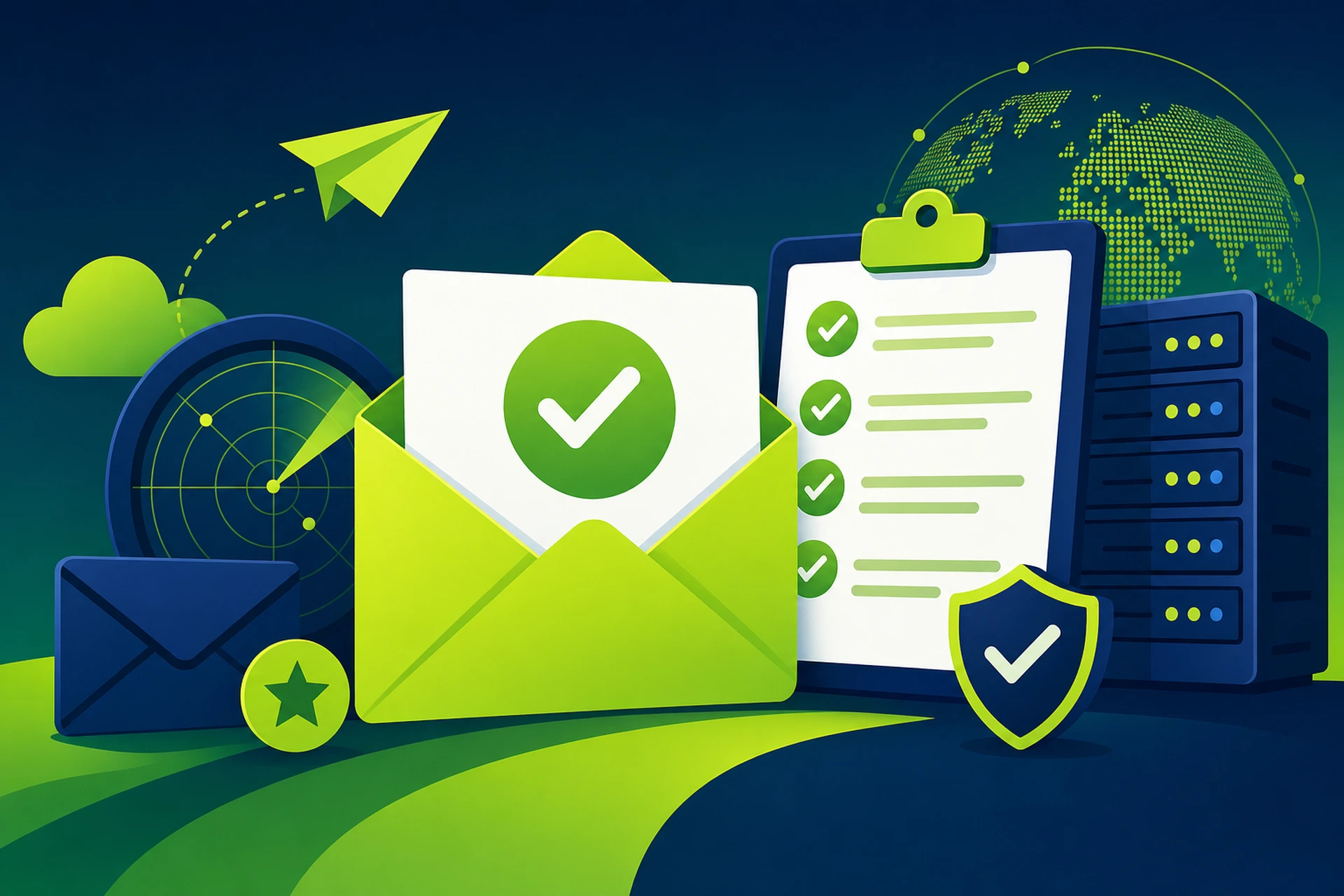
A Quick Pre-Send Checklist
Before your next big campaign, run through this shortlist:
- SPF, DKIM, and DMARC all pass and are up to date
- List cleaned of hard bounces and long-term inactive subscribers
- New sending infrastructure warmed up gradually, not blasted at full volume
- Content tested for spam triggers, broken links, and working unsubscribe
- From address matches an authenticated domain
- Monitoring in place to catch bounce or complaint spikes early
None of this takes more than 20 to 30 minutes if you build it into your workflow. But skipping it can cost you days of reduced inbox placement, and rebuilding a damaged sender reputation takes far longer than the checklist itself. If your business relies on a proper domain for sending, it's also worth reviewing your setup with our overview of business email hosting to make sure the foundation is solid before you scale up campaign volume.
Treat deliverability like a pre-flight check, not a one-time setup. Every major send deserves a few minutes of verification before it goes out to thousands of inboxes.