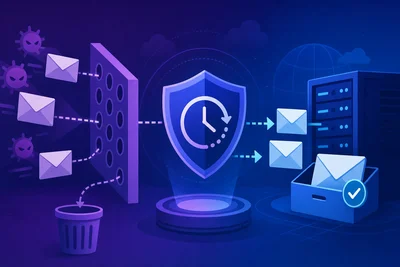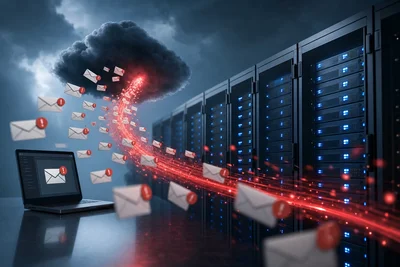
Your password reset email just landed in someone's spam folder. Now they're locked out of their account, annoyed, and one step closer to abandoning your product entirely. Transactional emails carry a strange burden: they need to be functional, fast, and trustworthy enough to sail past spam filters, but they also need to actually make sense to a human being reading them on their phone at 11pm.
Too many businesses treat email spam prevention like it's purely a technical checklist, then write copy that reads like a legal disclaimer. The good news is you don't have to choose between deliverability and readability. You just need to understand what spam filters are actually looking for.
Why Transactional Emails Get Flagged in the First Place
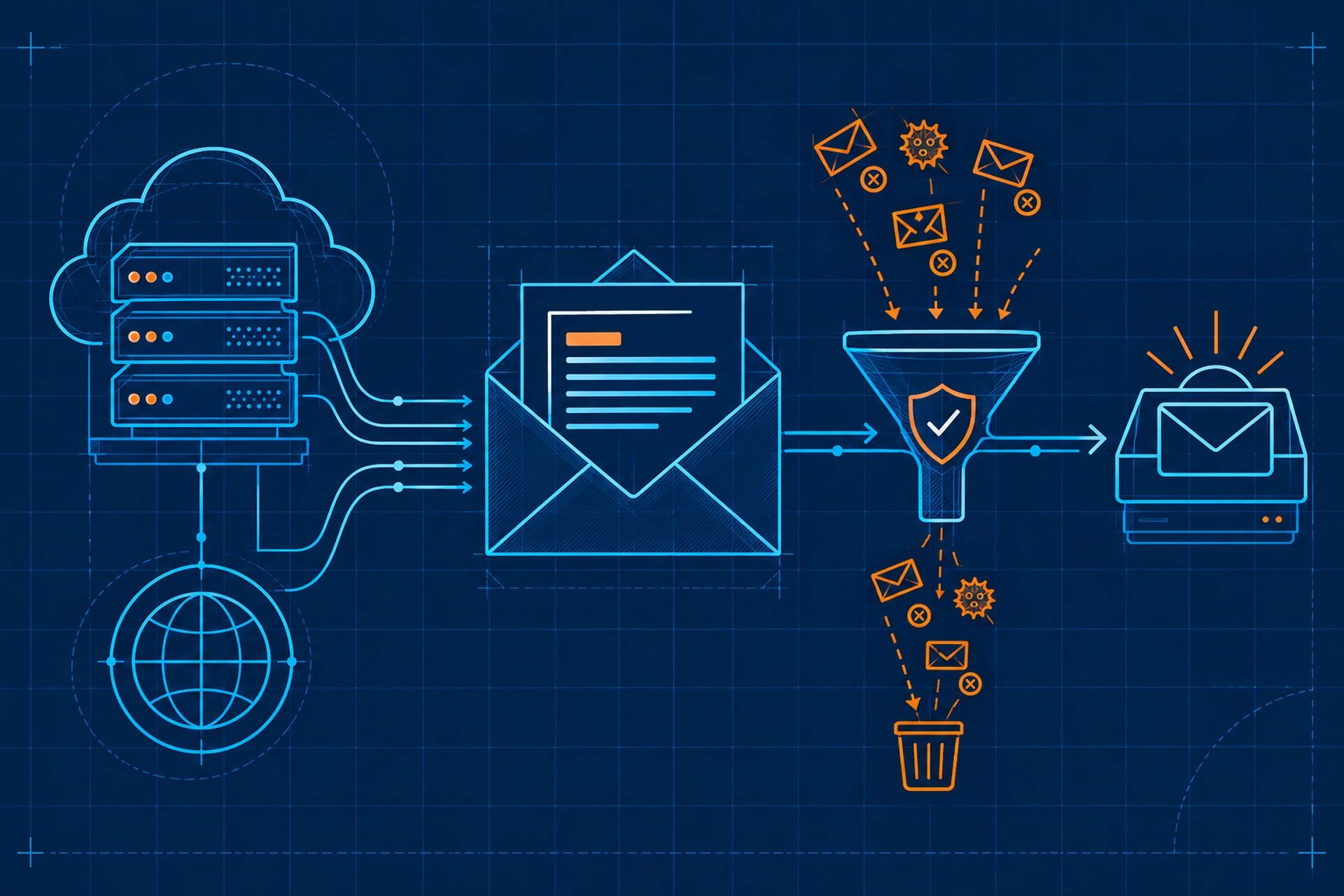
Transactional emails (receipts, password resets, shipping updates, account alerts) usually have higher open rates and better sender reputation than marketing blasts. But that reputation is fragile. Spam filters look at a combination of signals: your sending domain's history, the structure of your email, the language you use, and how recipients react to your messages.
A single sloppy transactional email won't tank your deliverability. But patterns matter. If your emails consistently trigger content filters or get marked as spam by recipients, every future message from your domain inherits that suspicion. We covered how this scoring works in How Content Filters Evaluate Your Emails and What Triggers a Spam Classification.
The Language Choices That Actually Matter for Email Spam Prevention
Spam filters don't just scan for banned words anymore. Modern filters weigh context, but some habits still raise red flags.
Avoid Manufactured Urgency
"URGENT: Your account will be DELETED in 24 hours!!!" reads like a phishing attempt because, frankly, it mimics one. Real transactional emails don't need exclamation points or all-caps subject lines to convey importance. Say what happened plainly: "Your password was changed" or "Your order has shipped."
Skip the Financial Bait Words
Words like "free," "guarantee," "cash," and "act now" are old-school spam triggers that still carry weight, especially when clustered together. A transactional email rarely needs any of them. If you're sending a receipt, just show the amount. You don't need to say "Amazing savings guaranteed!" next to a $12 charge.
Write for a Sixth-Grade Reading Level
This isn't about talking down to your users. Short sentences and plain words are easier for both filters and humans to parse. "We noticed a login from a new device" beats "This automated notification serves to inform you of detected authentication activity originating from an unrecognized endpoint." One of those sounds like a person. The other sounds like malware bait.
Structure Your Emails So Filters (and Humans) Can Scan Them
Spam filters evaluate the ratio of text to images, the presence of hidden text, and whether your HTML is bloated or broken. Here's what tends to work well:
- Keep a clean text-to-image ratio. Transactional emails should be mostly text with maybe a logo, not a giant image with text baked in (a classic spam tactic filters watch for).
- Include a plain-text version alongside your HTML version. Every legitimate email client generates both, and skipping it looks suspicious.
- Avoid excessive links. A password reset email needs one link. It doesn't need six links to your social media pages.
- Don't hide text using white-on-white fonts or tiny sizes, even accidentally through bad template code.
The Technical Foundation Still Comes First
No amount of clean copywriting will save you if your domain lacks proper authentication. SPF, DKIM, and DMARC records tell receiving servers that your emails genuinely come from you and haven't been tampered with. If these aren't configured, filters treat your entire domain with suspicion, no matter how well-written your emails are. We go deeper on sender authentication in How Sender Reputation Works and Why It Is the Foundation of Email Deliverability.
If you're running your own mail server, misconfiguration here is one of the most common reasons legitimate transactional emails get bounced or buried. A good business email hosting setup handles this authentication correctly by default, so you're not troubleshooting DNS records the week your app goes viral. If you're managing this yourself, our email hosting overview walks through what a properly configured setup should include.
Personalization Without Looking Like a Phishing Attempt
Ironically, some personalization tactics that marketers love can backfire in transactional emails. Overly casual subject lines like "Hey [First Name], quick favor?" work for newsletters but look exactly like phishing attempts when attached to something like a billing notice. Keep transactional subject lines descriptive and specific: "Your invoice #4521 is ready" beats anything cute or vague.
Match Tone to Purpose
A shipping confirmation can be warm and a little friendly. A security alert should be calm and direct, no jokes, no fluff. Matching your tone to the seriousness of the message builds trust, and trust is exactly what keeps recipients from marking you as spam, which in turn protects your email spam prevention efforts long-term.
Test Before You Send at Scale
Before rolling out a new transactional email template, run it through a spam testing tool that scores your HTML, checks your authentication records, and flags risky phrases. Send test versions to a handful of real inboxes across Gmail, Outlook, and Yahoo to see how they render and where they land. This single habit catches most email spam prevention problems before they become a pattern that damages your sender reputation. For a step-by-step approach, see How to Run an Email Deliverability Audit Without Needing to Be a Technical Expert.
The Takeaway
Good email spam prevention isn't about stripping your emails of personality or burying them in disclaimers. It's about being clear, honest, and technically sound. Write like you're explaining something to a real person, keep your subject lines specific, make sure your authentication records are set up correctly, and test before you scale. Do that consistently, and your transactional emails will land where they belong: in the inbox, read, and trusted.