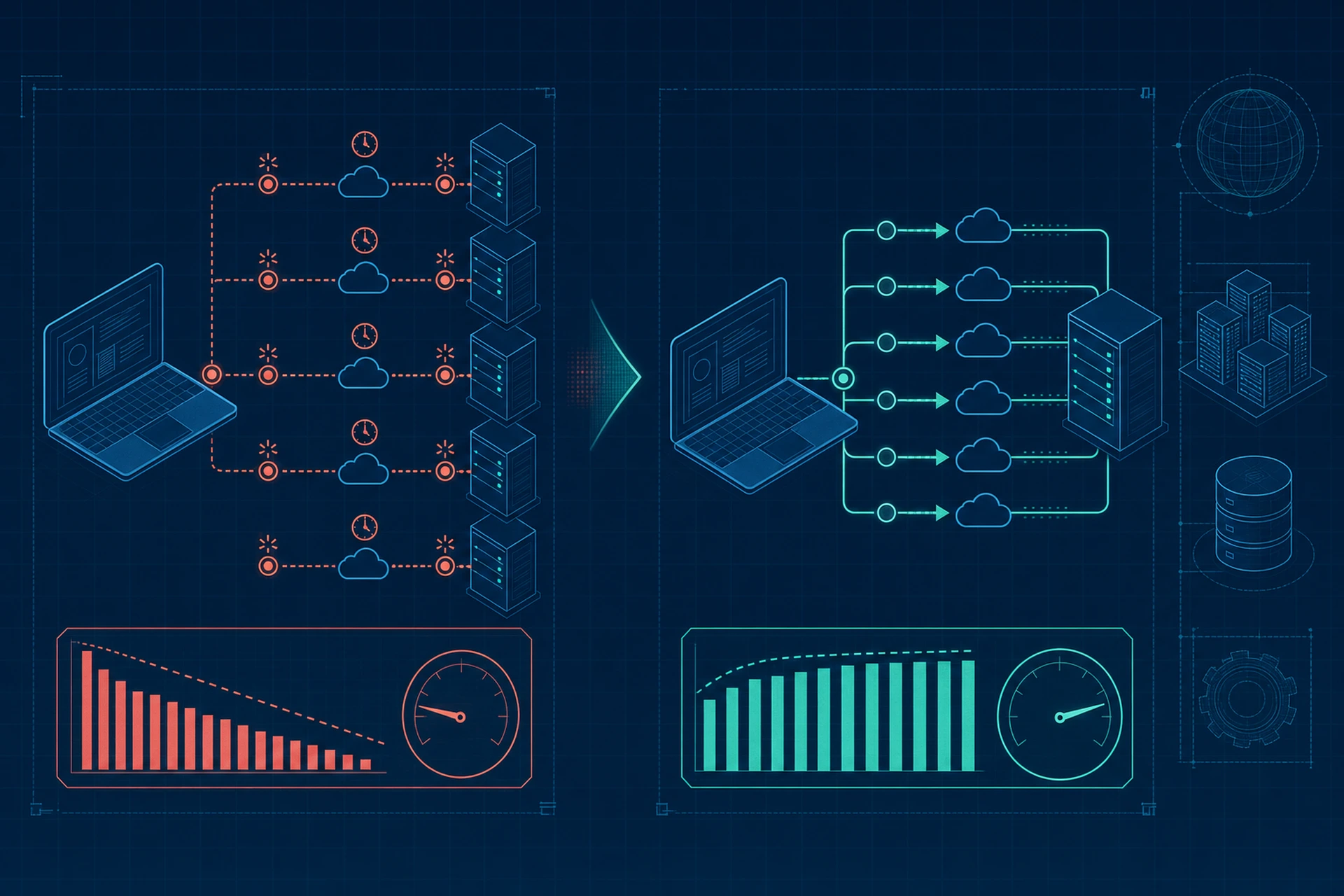
Every time your browser fetches a resource from a server, it has to open a connection first. That handshake takes time, and if your server closes the connection after every single request, you're paying that cost over and over again. Keep-Alive connections fix this, and understanding how they work is one of the simplest ways to reduce server response time across your entire site.
What Actually Happens Without Keep-Alive
Without persistent connections, each request follows this pattern:
- TCP handshake (SYN, SYN-ACK, ACK)
- TLS handshake if you're on HTTPS (another few round trips)
- The actual HTTP request and response
- Connection teardown
On a fast connection, this might add 50-150ms per request. On mobile networks or long-distance connections, it can easily add 300ms or more. Now multiply that by every CSS file, JavaScript file, image, and font your page loads. A page with 40 resources and no persistent connections could be losing several seconds just to connection setup, before a single byte of actual content arrives.
Why This Matters for TTFB
Time to First Byte gets a lot of attention as a performance metric, but it's really measuring how fast your server responds once a connection is already established. If your server is constantly tearing down and rebuilding connections, you're adding hidden latency that TTFB measurements don't always capture cleanly, especially on pages with many subresources. We've written about this in more depth in Why Your Time to First Byte Is Costing You Conversions.
How Keep-Alive Solves This
A Keep-Alive connection tells the server and client: don't close this TCP connection after the response, keep it open so we can reuse it for the next request. Instead of a fresh handshake for every file, the browser sends multiple requests down the same pipe.
In HTTP/1.1, Keep-Alive is actually the default behavior. The header looks like this:
Connection: keep-alive
Keep-Alive: timeout=5, max=100
That means the server will hold the connection open for 5 seconds of inactivity, and allow up to 100 requests over that single connection before closing it. Tune these numbers wrong, and you either waste server resources holding idle connections, or you close connections too early and lose the benefit entirely.
Configuring Keep-Alive in Nginx
Here's a reasonable starting point for an Nginx config:
keepalive_timeout 15;
keepalive_requests 1000;
- keepalive_timeout controls how long the server waits for another request on the same connection before closing it.
- keepalive_requests sets the maximum number of requests allowed per connection.
A timeout of 15 seconds is a common middle ground. Too short, and you lose reuse benefits for users on slower networks. Too long, and you tie up worker connections that could be serving other visitors, which becomes a real problem under load. If you want to go deeper on tuning the server side of this equation, we covered worker process configuration in How to Configure Nginx Worker Processes for Maximum Throughput.
Upstream Keep-Alive Matters Too
Most people think about Keep-Alive only between the browser and the edge server. But if your app sits behind a reverse proxy, like Nginx talking to PHP-FPM or a Node.js backend, the connection between the proxy and your application also benefits from staying open.
Here's a typical upstream config that enables this:
upstream backend {
server 127.0.0.1:8080;
keepalive 32;
}
Without this, Nginx opens a new connection to your backend for every single request it proxies, even if the browser connection to Nginx itself is persistent. That's an easy way to reduce server response time that a lot of setups miss entirely.
TLS Session Resumption Adds Another Layer
If you're on HTTPS (and you should be), TLS session resumption works alongside Keep-Alive to cut out repeated handshake costs. Configuring ssl_session_cache and ssl_session_timeout lets returning clients skip the full TLS negotiation on reconnect. It's a small addition, but it stacks with connection reuse to shave off more milliseconds. If you haven't looked at your SSL setup in a while, our SSL certificate management overview is a decent place to check your current configuration.
Measuring the Difference
You don't have to guess whether Keep-Alive is working. A few ways to check:
- Open your browser's Network tab and look at the "Connection ID" column, requests sharing an ID are reusing the same connection.
- Use curl -v and look for the "Connection" header in the response.
- Run a waterfall test in WebPageTest and check for repeated DNS/connect/SSL phases on requests to the same host, which signal connections aren't being reused.
For a broader look at tools that surface this kind of detail, check out How to Measure Page Load Time With Tools That Actually Tell You Something Useful.
Where Managed Hosting Fits In
Most of this comes down to server configuration, not application code. That's exactly the kind of thing that gets misconfigured on self-managed servers and quietly costs you performance for months. On a managed VPS, this kind of tuning is usually handled as part of the underlying server setup, so you don't need to dig through Nginx configs yourself to get sensible Keep-Alive defaults.
The Takeaway
Keep-Alive connections are one of those low-level details that don't show up in a lighthouse score directly, but they compound across every single request your page makes. If you're trying to reduce server response time, check your Keep-Alive settings before you reach for anything more complicated. Confirm your timeout and max request values make sense for your traffic pattern, verify your upstream connections are persistent too, and pair it with proper TLS session caching. It's a small config change with an outsized effect on real-world load times.